AI Image and Video Guides
Practical workflows for writing scene prompts, animating reference images and reviewing generated media.
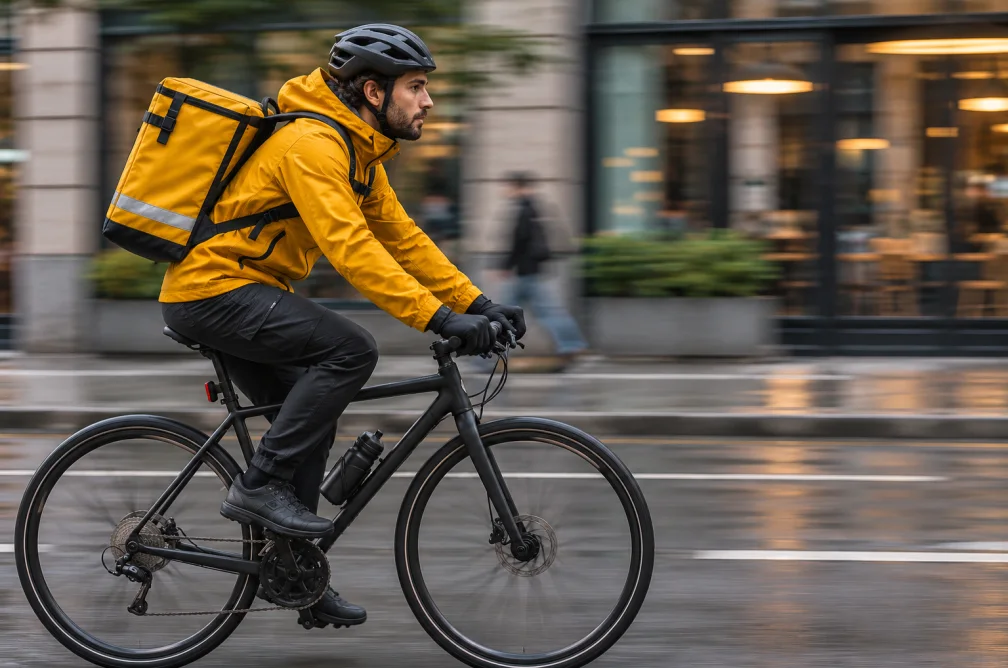
How to Write a Text-to-Video Prompt for One Shot
Build a short video prompt around one subject, one action and a specific camera move. Use example prompts to compare a wide shot with a push-in.
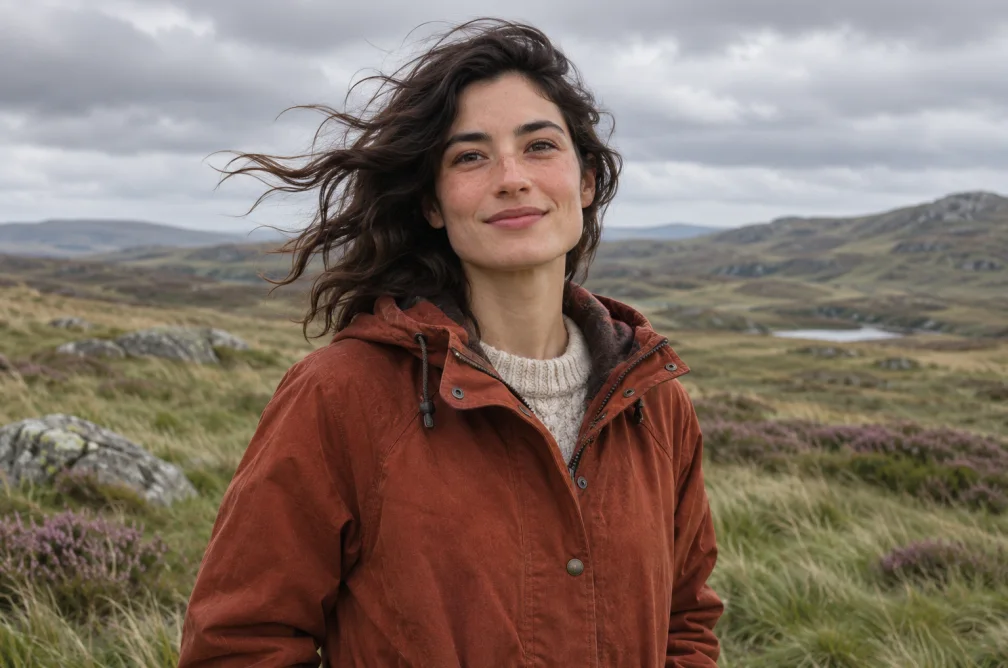
How to Animate a Reference Image with AI
Prepare a still image for image-to-video generation, write a motion prompt and check the final clip for changes to the subject and framing.
Choose a guide for your starting material
Start with the text-to-video guide if your shot exists only as an idea. Use the reference-image guide when a photo already establishes the subject, lighting and composition.
When this helps
Choose the guide that matches the material you already have. A written idea needs shot direction. A still image already gives you composition and subject.
Examples
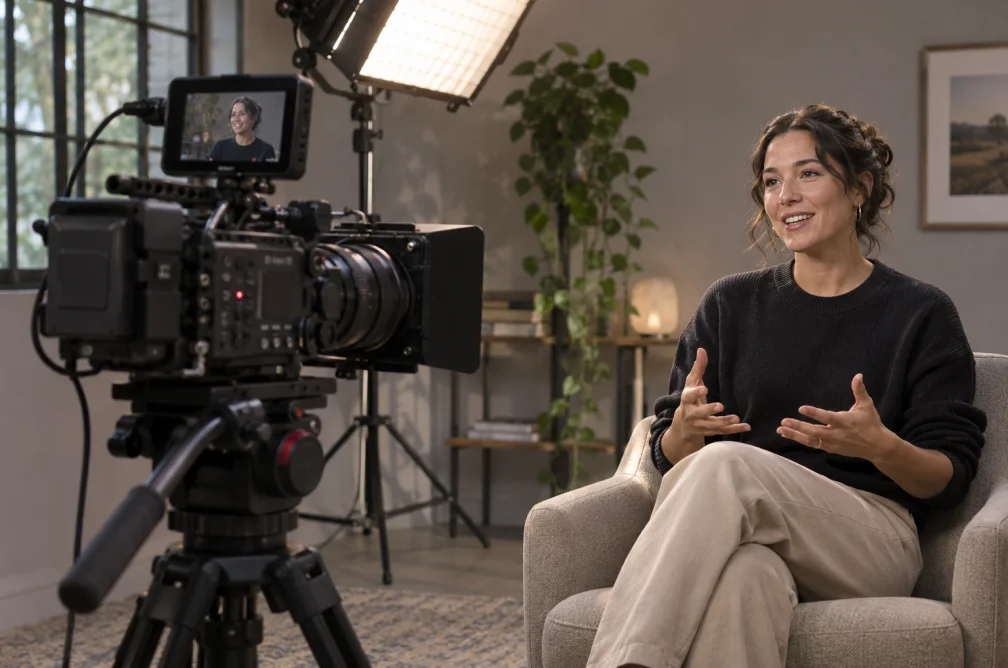
Example
For a product video, prepare a still that shows the label clearly, then describe a short camera move that keeps that label in view.
Settings & limits
- Starting points
- Written scene or source image
- Examples
- Prompts you can adapt
- Tools
- Text to Video and Image to Video
Questions about AI Image and Video Guides
Which guide should I read for a text-only idea?
Start with How to Write a Text-to-Video Prompt for One Shot. It shows two ways to frame the same action.
Where can I learn to animate a photo?
Read How to Animate a Reference Image with AI for source preparation, movement prompts and frame checks.
Can I try a prompt after reading?
Yes. Use the links to the generator and the prompt library in each guide.
How should I use these guides while testing a prompt?
Keep a copy of your first prompt and settings. Change one part of the direction at a time so you can see whether framing, motion or lighting caused the difference.