All-in-one AI image, video and audio creation.
unlucid ai
Back to blog

How to Write a Text-to-Video Prompt for One Shot

Build a short video prompt around one subject, one action and a specific camera move. Use example prompts to compare a wide shot with a push-in.
Nov 14, 2026unlucid ai
How to Write a Text-to-Video Prompt for One Shot

Start with the subject and the action

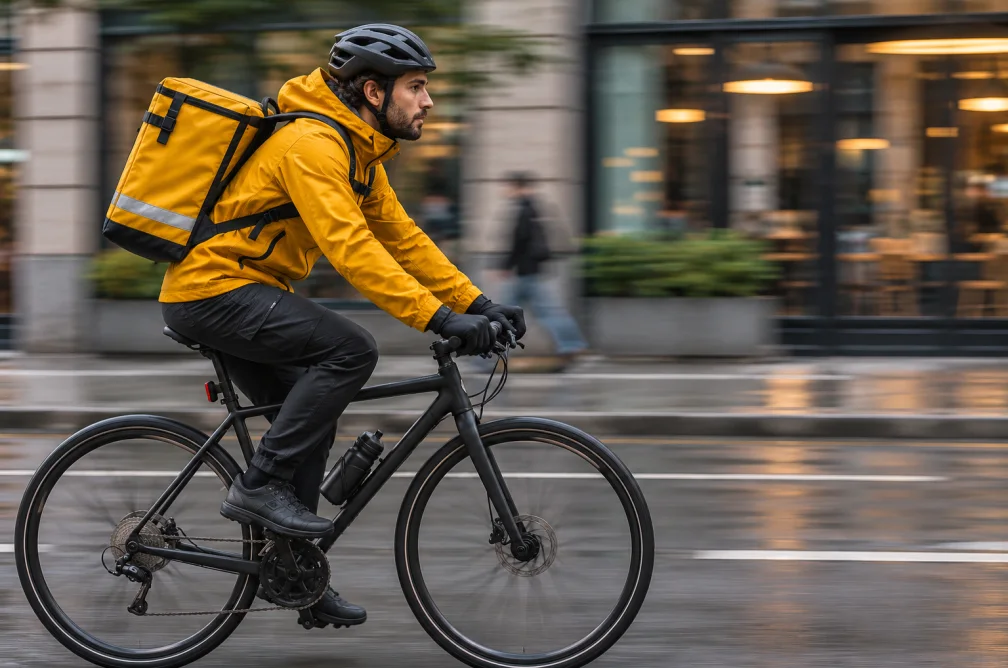
Describe something the viewer can see. “A bicycle courier waits by a crosswalk as rain collects on the handlebars” gives the model a subject, setting and physical details. For a five-second clip, choose one action that can fit inside the shot.

Decide what the camera does

Keep the subject and action the same when comparing two prompts. Change the framing or camera movement so you can see how it affects the result.

  • Wide shot: Hold a wide shot across the street as the courier looks up at the changing light.
  • Push-in: Move slowly toward the handlebars as the courier looks up, keeping the background soft.

Describe the light if it affects the shot. A cold streetlight and a warm shop window give different cues than “cinematic lighting.”

Check whether the result follows the direction

Watch the opening and final frame. If the movement is too fast, try a slower move and remove competing actions. If a reference image already sets the composition, Image to Video lets you concentrate the prompt on motion.

Start a shot in the Text to Video Generator or browse more examples in the Prompt Library.
Compare two takes without changing the scene

To isolate the camera movement, keep the model, duration, aspect ratio, subject and action the same. Compare the opening frame and how much of the scene is visible by the end.

When this helps

For a framing test, write one short action, then try it with a fixed wide angle and a slow push-in. Compare what remains visible at the end.

Examples

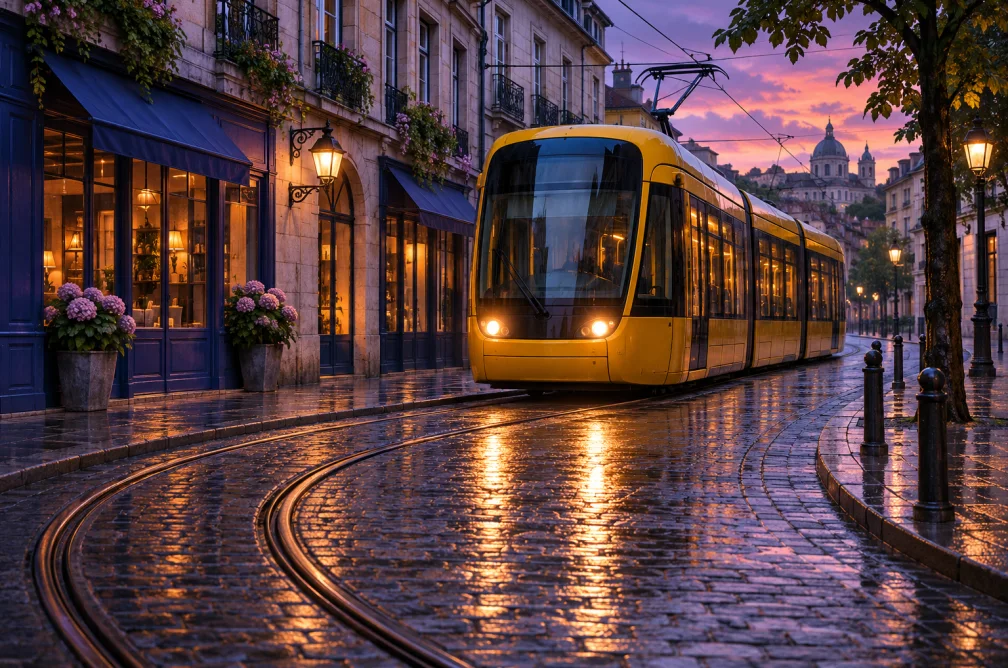
Yellow tram turning through a rain-wet street at dusk
A wide frame shows how the yellow tram and its reflection sit in the street.
Cycle courier in a yellow jacket on a city street
Leave room in the direction of travel when the camera follows the subject.

Example

Try “Hold a wide shot while the courier looks up” followed by “Push in slowly while the courier looks up.” Keep the weather and street lighting the same.

Settings & limits

Subject
One clearly visible person or object
Action
One action that fits the clip
Framing
Wide shot, fixed framing or a slow camera move

Questions about How to Write a Text-to-Video Prompt for One Shot

What should I describe first?

State the subject and one visible action before adding the camera direction.

How do I compare moves fairly?

Keep model, duration, crop and subject the same. Change one camera instruction between takes.

How much action fits in one short shot?

Choose an action with a clear end, such as a tram rounding a corner. Save additional actions for a second shot.

How can I direct the first and last frame in the prompt?

Describe the beginning first and end with the action that should be visible when the shot stops. If it cannot happen in a single short clip, separate it into shots.