AI Product Video Generator
Animate a product image with a short camera move. Use an uploaded reference and direct lighting, motion and framing with a prompt.
Results
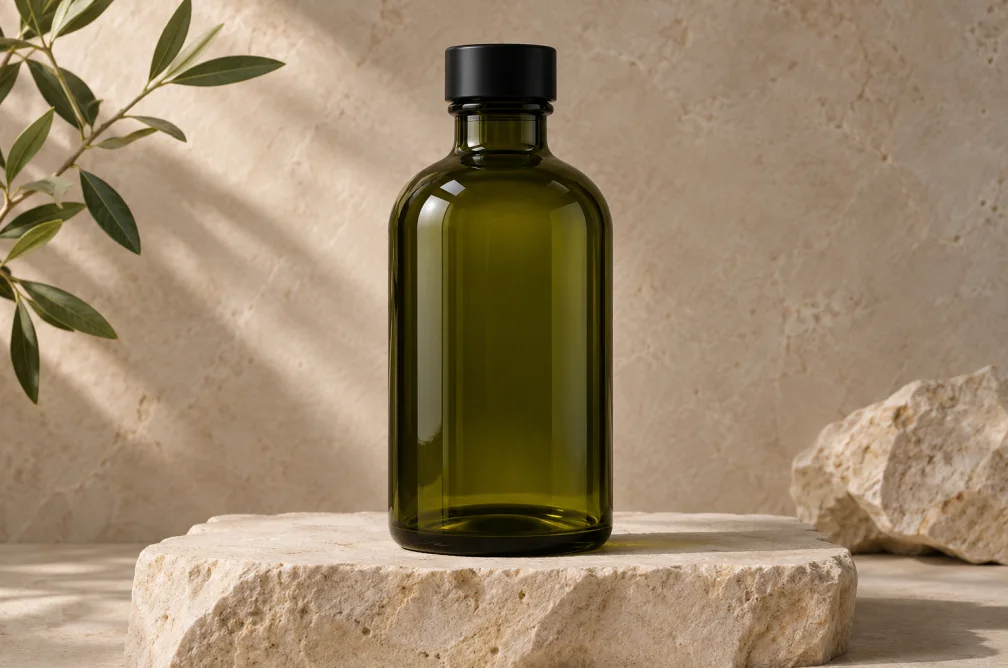 Example
Your result will appear here.
See examplesKeep the product stable while the camera moves
Upload a product shot with readable branding. Ask for a single orbit, sweep or push-in, then check the label and silhouette across frames.
When this helps
A product listing needs the label visible throughout. A social teaser can spend more of the shot on material and motion.
Examples
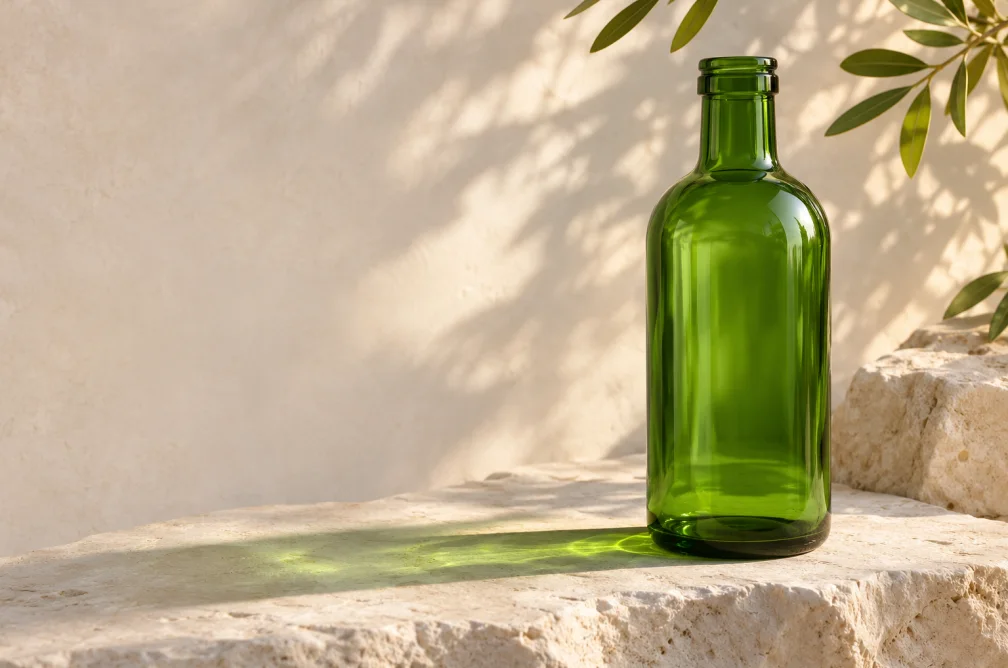
Example
Push in slowly toward a dark green glass bottle on pale limestone. Keep the cap and silhouette steady throughout the move.
How to use it
- Choose a photo that shows the label and full outline.
- Describe the first angle and a shallow push-in or orbit.
- Review the package frame by frame before publishing.
Settings & limits
- Product reference
- JPG, PNG or WebP, up to 10 MB
- Shot length
- Depends on the selected video model
- Output
- One product clip
Questions about AI Product Video Generator
Which product angle should I upload?
Use the angle where the important side and logo already read clearly. A three-quarter view provides more information about shape.
Will the logo stay readable throughout the clip?
Lettering can drift as the viewpoint changes. Keep the move shallow and inspect the middle and closing frame.
Which ratio works for a product listing?
Check the listing slot before generating. Use landscape for a wide player or square for a square layout when the chosen model supports it.
Which camera move is safest for a product label?
Start with a slow push-in from the angle already visible in the reference. A full orbit exposes unseen sides. Use the result to check movement and framing, then inspect every visible label before publishing.