AI Image and Video Prompt Library
Browse editable AI prompts for videos and images. Start with an example, keep the visual direction and adapt the subject or scene.
Browse prompts by subject and camera move
Adapt an example prompt to your own scene
Open a sample to read its prompt. Keep the details that define the look, then change the subject, setting or camera motion before using the draft.
When this helps
If you like the motion in a reference clip, keep the camera language and replace the subject and setting to make the prompt fit your project.
Examples
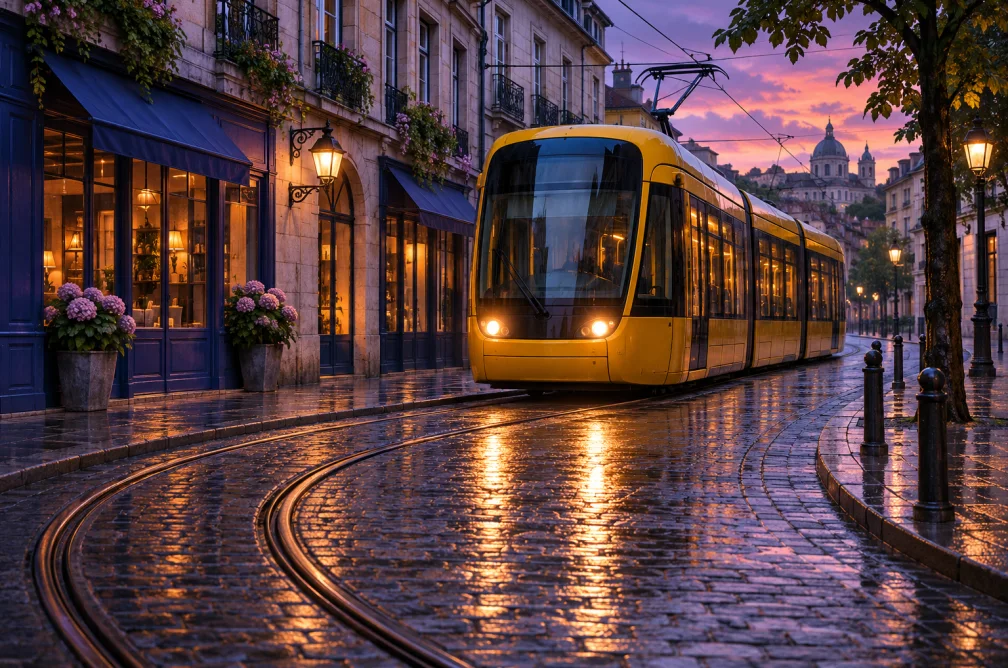
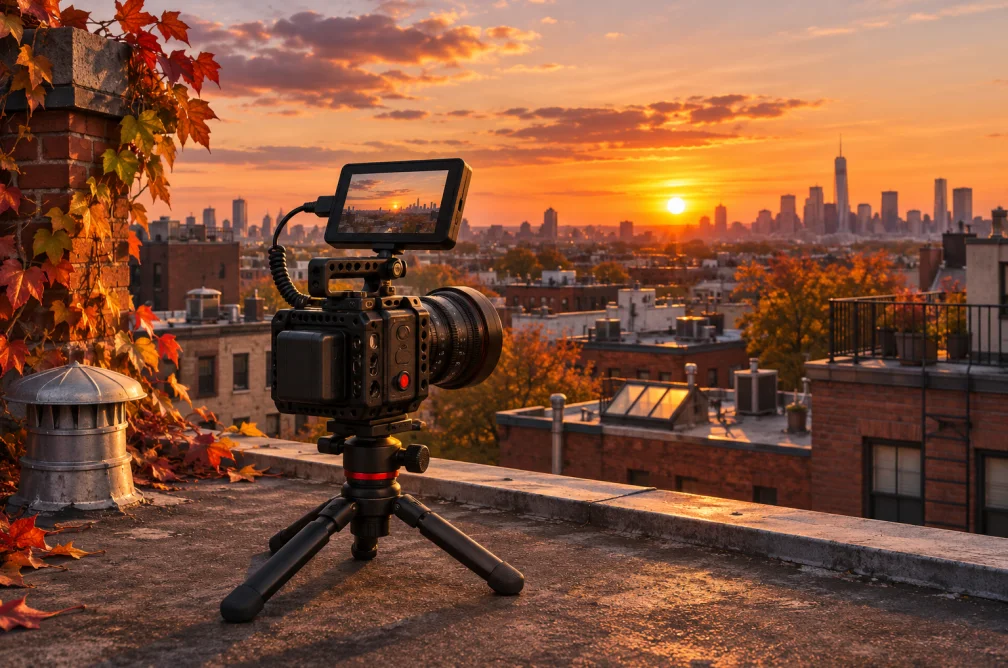
Example
Open the tram prompt. Keep the sideways pan and reflections, then replace the tram with your own subject.
How to use it
- Search by topic or category.
- Open a card and copy the editable prompt.
- Change the subject, then check the shot direction in the generator.
Settings & limits
- Browse
- Image and video prompts
- Controls
- Category and text search
- Use
- Copy a prompt or open it in a generator
Questions about AI Image and Video Prompt Library
Can I copy and edit a prompt?
Yes. Open the example to copy its text or load it into the matching generator and edit it.
How do I find motion examples?
Browse the Camera Move Presets to compare a push, pan or pullback.
Will the prompt recreate the preview exactly?
The preview shows a direction to try. The selected model, settings and any reference can change the result.
Which part of a prompt should I change first?
Replace the subject while keeping the framing and lighting. That lets you compare your scene with the original idea. Change the camera movement separately when you want a different feel.