AI Video, Image & Audio Tools
Start with the file you have or the result you need, from a product still to a clip with its own soundtrack.
Create a clip
Start with a written shot, a still image or a product photo.
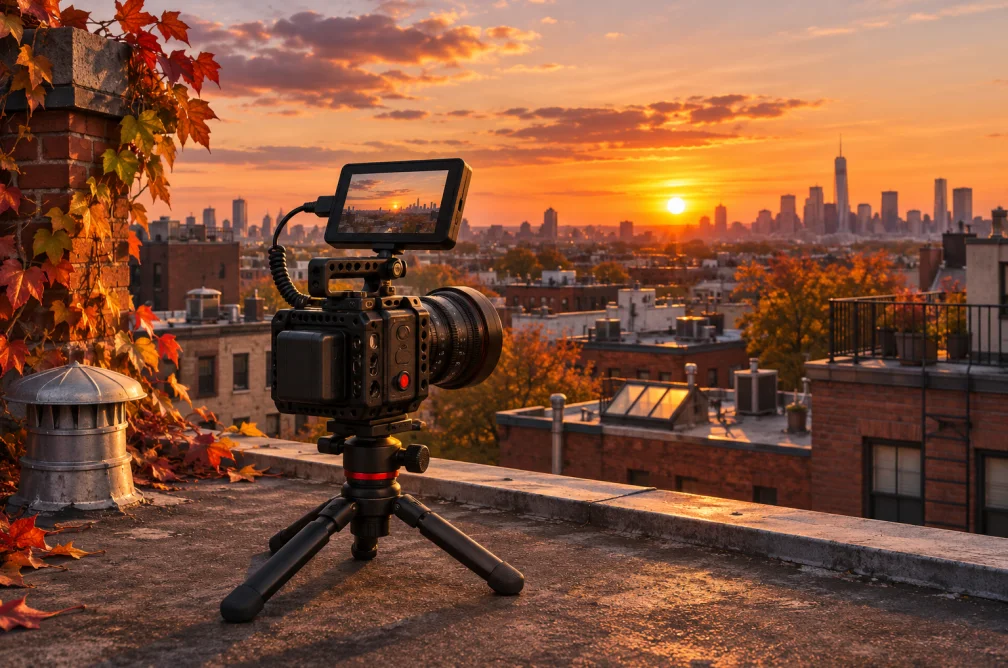
AI Video Generator
Create short AI videos from a prompt or reference image. Compare Veo, Seedance, Kling, Wan and Grok, then review credits before submitting.
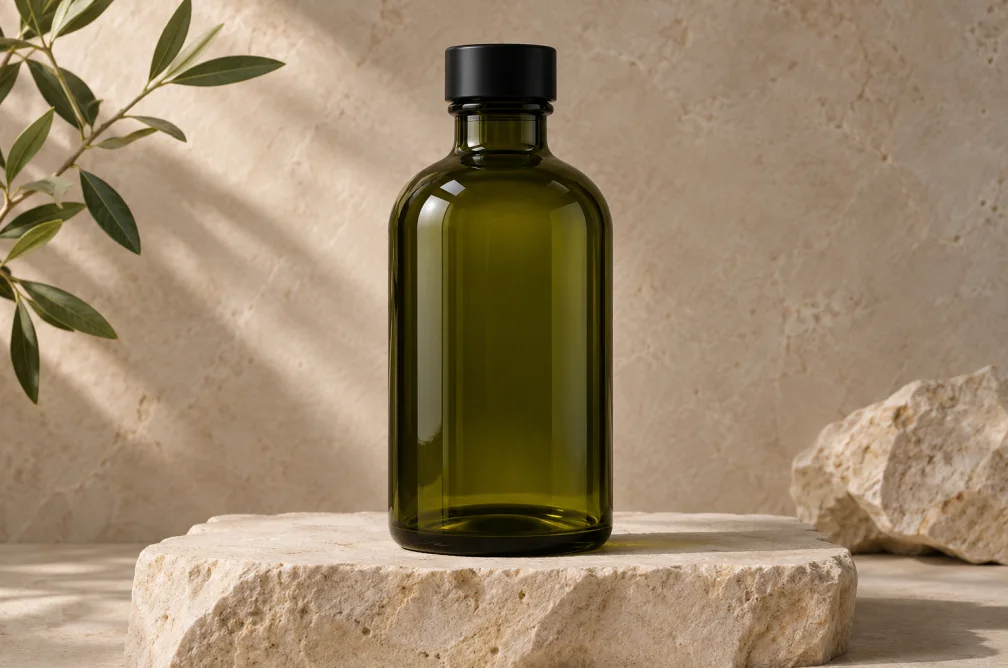
AI Product Video Generator
Animate a product image with a short camera move. Use an uploaded reference and direct lighting, motion and framing with a prompt.
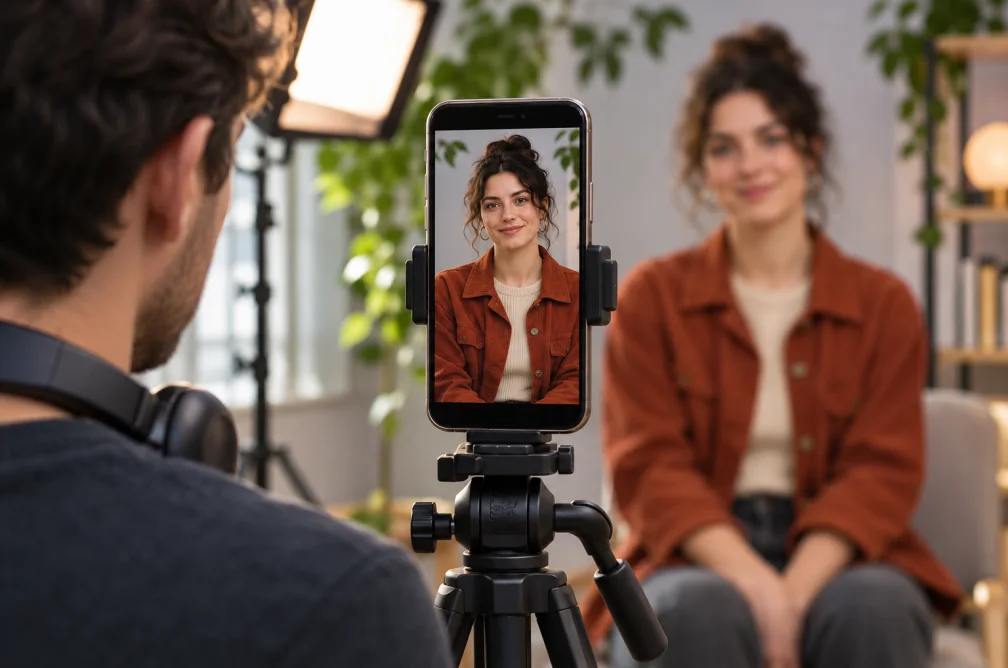
Text to Video Generator
Turn a written scene into a short video. Direct the subject, action, lighting and camera as text, then choose a supported clip length.
Image to Video Generator
Animate an uploaded image with a movement prompt. Choose a video model, clip length and output ratio for the source image.

AI Video Ad Generator
Create a single video ad from a brief and optional product image. Choose a ratio, resolution and duration from 4 to 30 seconds.
Create a still image
Draft a product composition, character or visual concept.

AI Image Generator
Generate an image from a written brief. Choose an image model, canvas ratio and resolution, or add a reference to guide the composition.
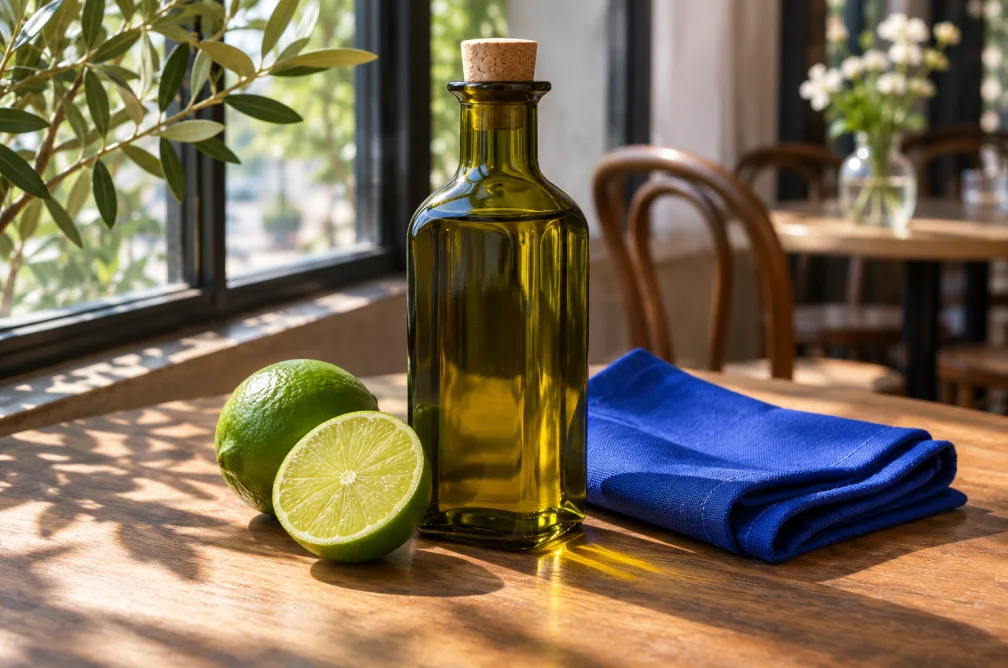
Image to Image AI
Transform an uploaded reference image with a prompt. Direct a new backdrop, visual style or composition and review the resulting image.
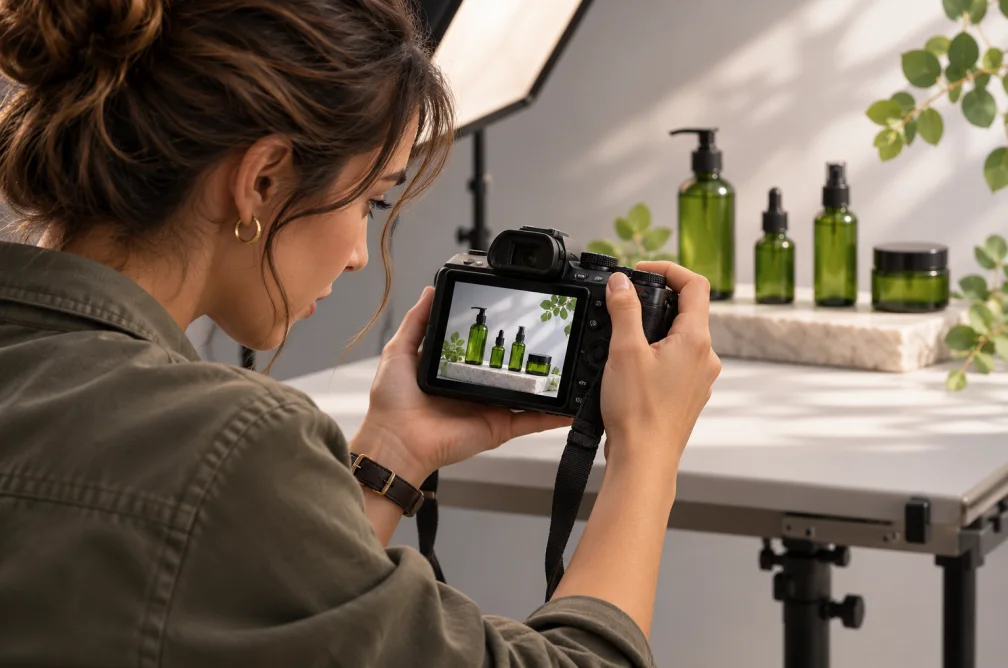
AI Product Image Generator
Create a campaign image from a product photo. Guide the setting, lighting and crop while using the upload as a visual reference.
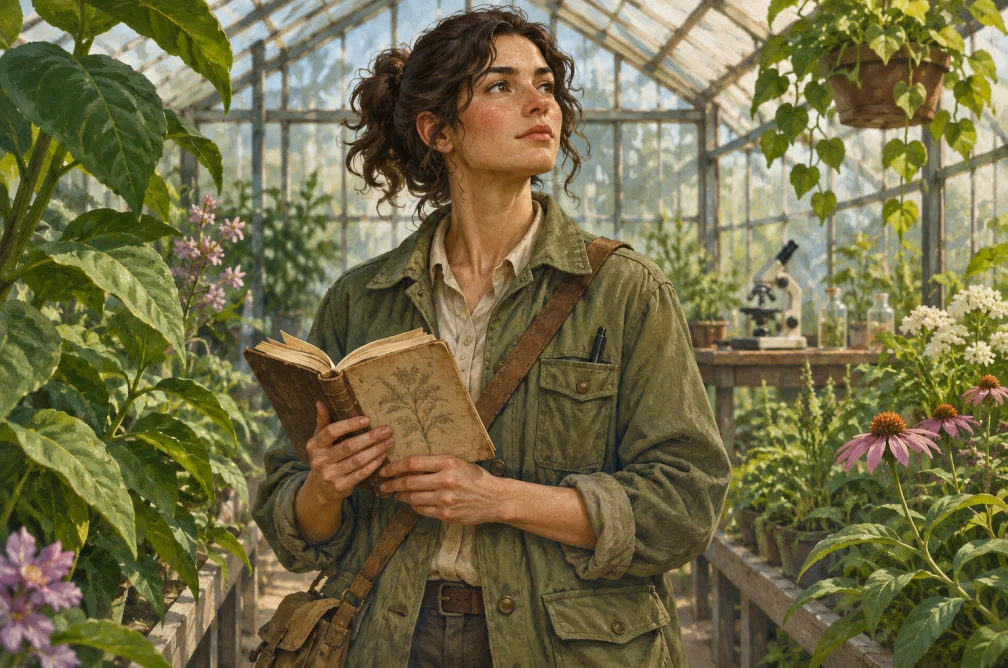
AI Character Generator
Create a fictional character from a written brief. Describe the silhouette, clothing, setting and visual style for a concept image.
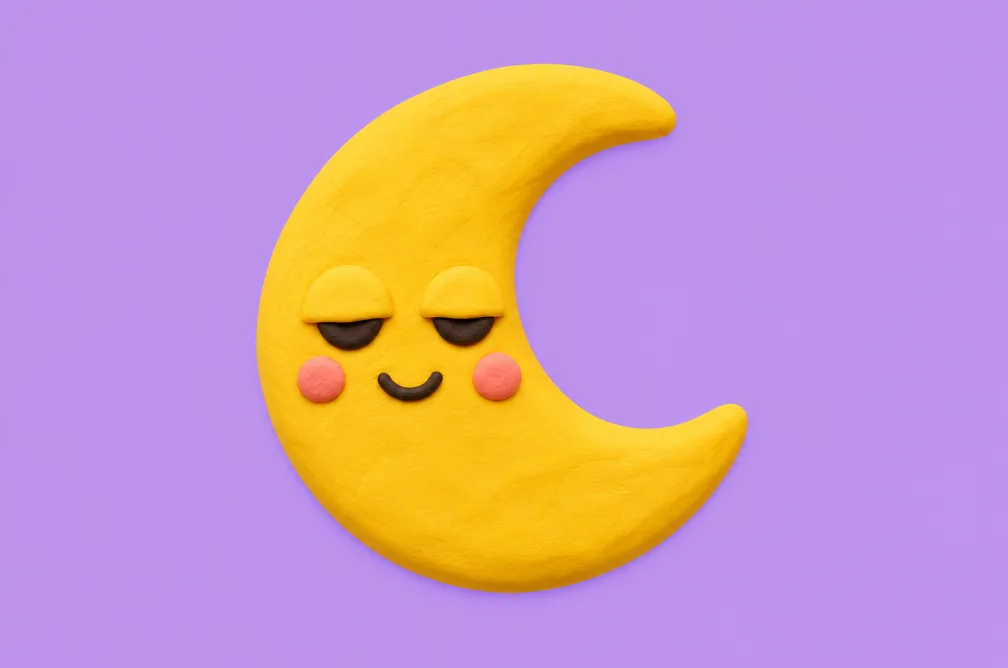
AI Emoji Generator
Create a single emoji-style image. Describe the expression and silhouette, then review how it reads at small sizes.
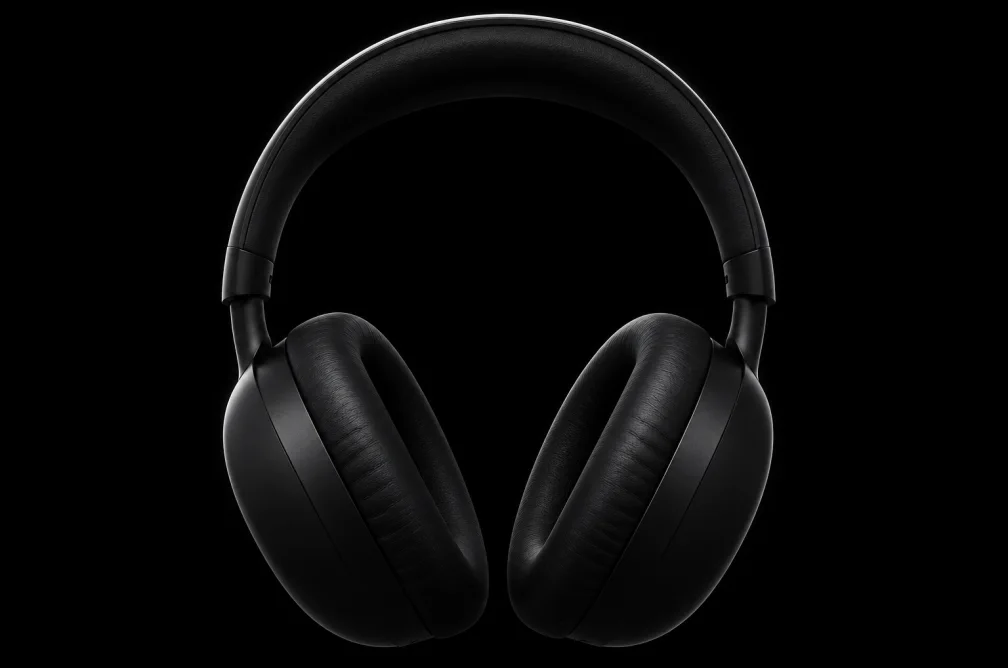
AI Dark Aesthetic Generator
Create dark aesthetic images from a prompt using low-key lighting, deep shadows and a muted palette.
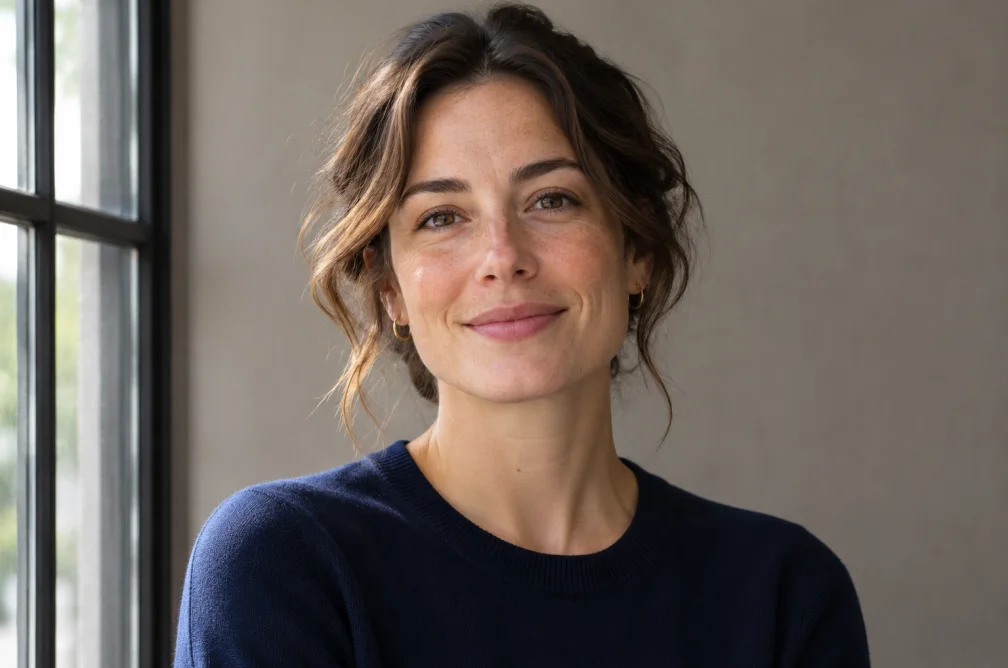
AI Face Generator
Generate a fictional adult portrait by describing facial features, expression, framing and light.
AI Female Character Generator
Create a fictional adult female character for an illustration, avatar or concept study. Describe clothing, pose and art direction.
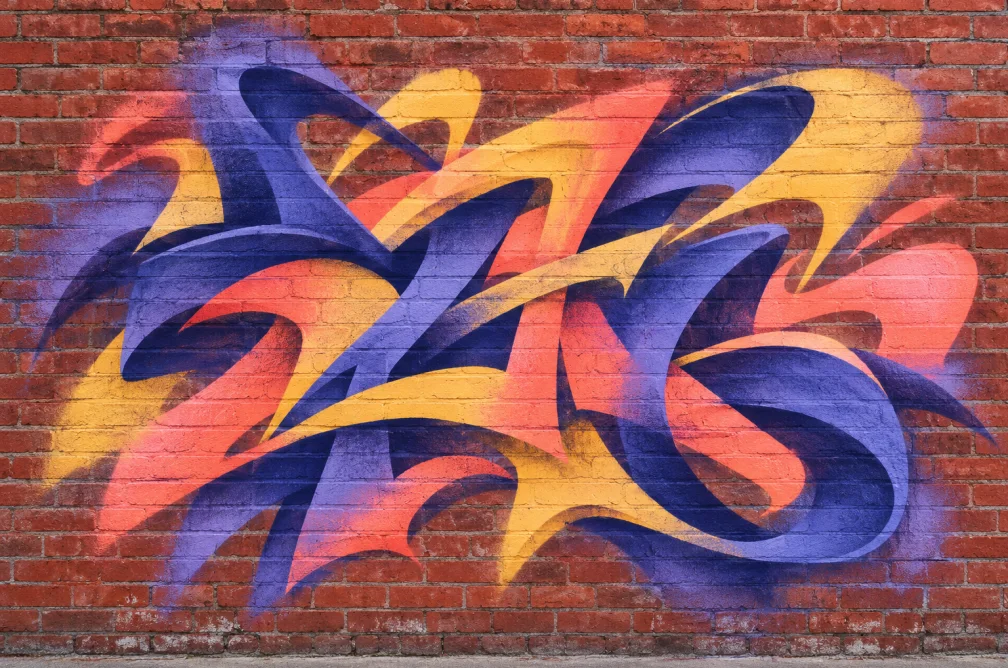
AI Graffiti Generator
Generate graffiti lettering and street-art scenes from a phrase, surface and paint style. Review spelling before publishing.
Retouch a photo
Change a backdrop or revisit the crop, clarity and lighting.
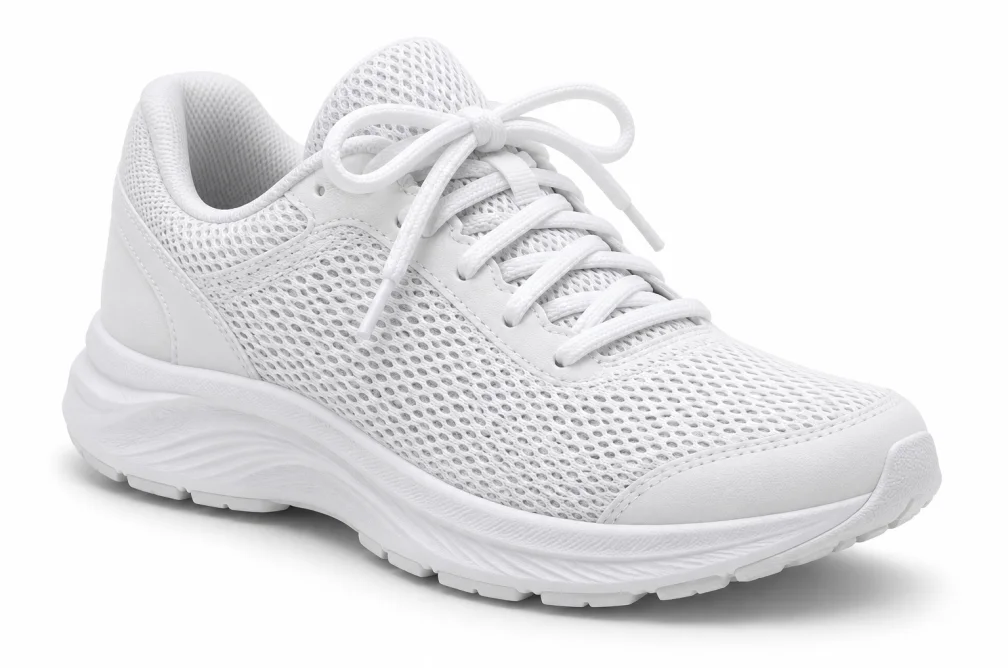
AI Image Background Remover
Replace a busy image background with a clean white backdrop. Upload a subject photo and review the AI result before using it.
AI Image Upscaler
Use a higher resolution image model to regenerate a larger version of a photo or graphic and recover visible detail.
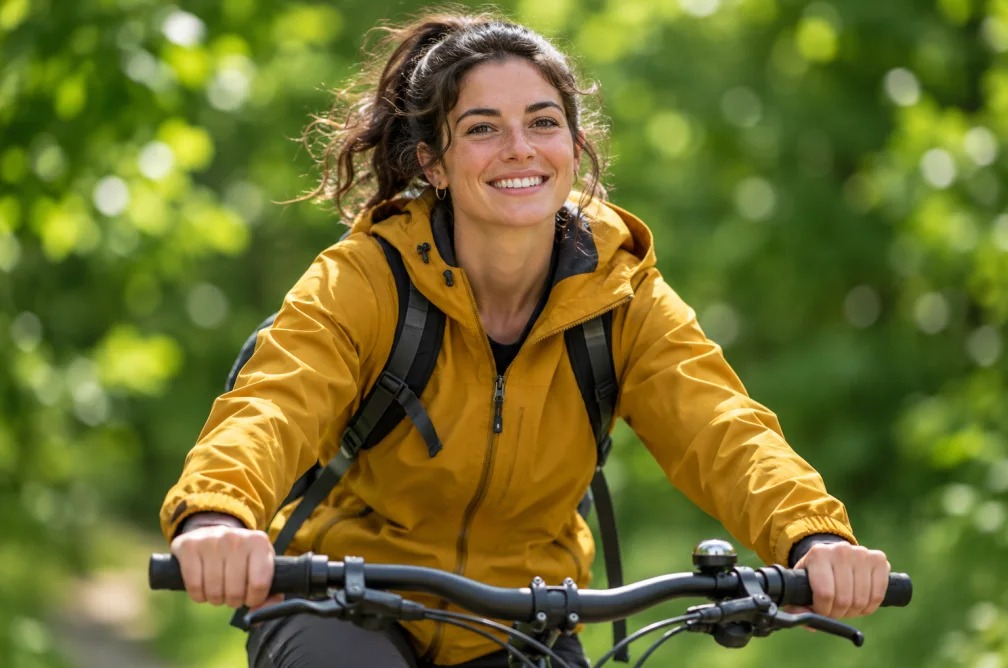
AI Image Background Blur
Soften the background in a reference photo with an AI depth-of-field effect. Guide the amount of blur while keeping attention on the subject.
Black Background Image Maker
Move the subject of a photo onto a black backdrop. Describe the edge lighting and shadow you want in the generated image.
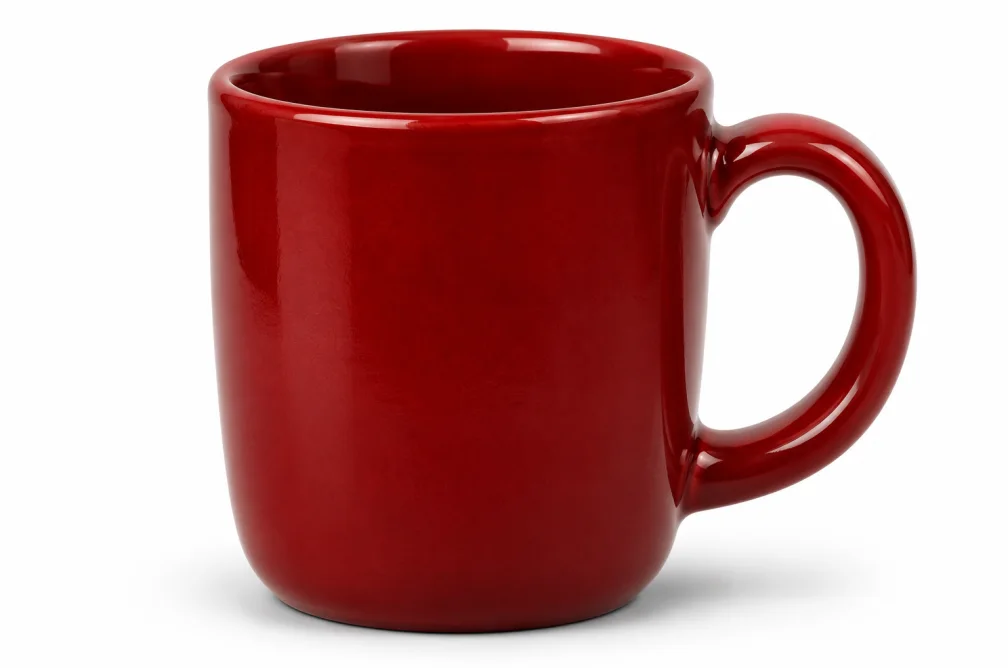
White Background Image Maker
Give a product or portrait photo a white studio background. Use a reference image and describe the shadow and lighting to keep.
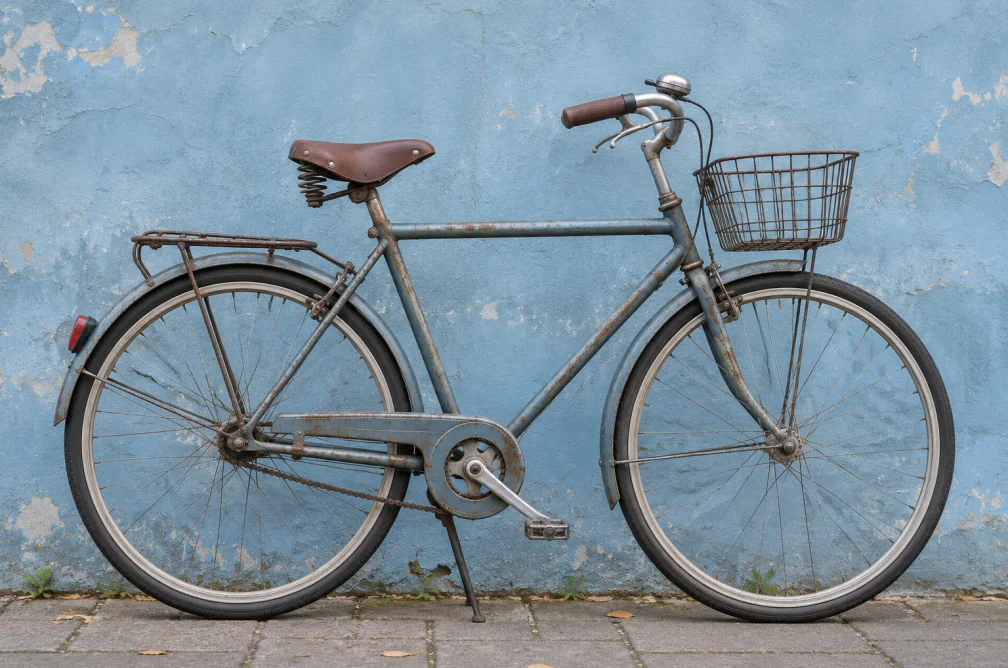
Remove Object from Image
Describe an object to remove from an uploaded photo. The AI regenerates the scene around it using the source image as a reference.
AI Image Enhancer
Refine lighting, color and clarity in a reference photo. Guide the edit with a prompt and compare the regenerated result with the original.
AI Image Unblur
Use a reference photo to generate a clearer version of a soft image. Guide the details you want to preserve and review reconstructed edges.
AI Image Sharpener
Improve perceived sharpness in a reference image by guiding edges, texture and fine detail in the generated result.
AI Hairstyle Changer
Preview a different haircut using a portrait reference. Describe the length, shape and texture in the style you want to try.
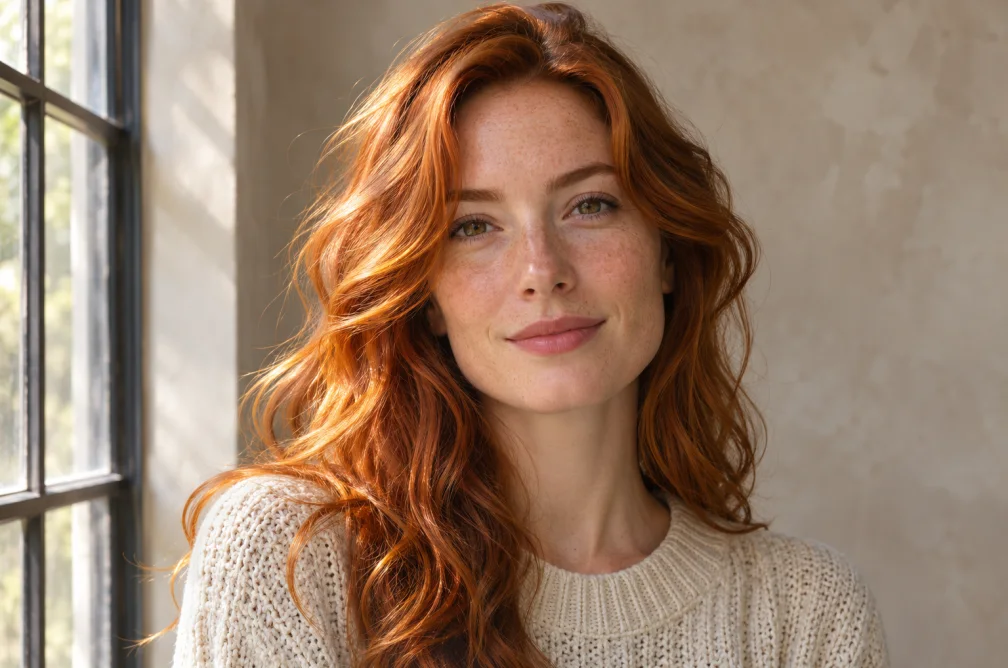
AI Hair Color Changer
Preview a new hair shade on a portrait. Describe its tone and highlights while guiding the model to retain the hairstyle and lighting.
AI Image Expander
Extend an image beyond its original frame. Choose a new aspect ratio and guide the scenery or background the tool should fill.
Prepare voice and sound
Make narration, a music bed or sound effects for your edit.
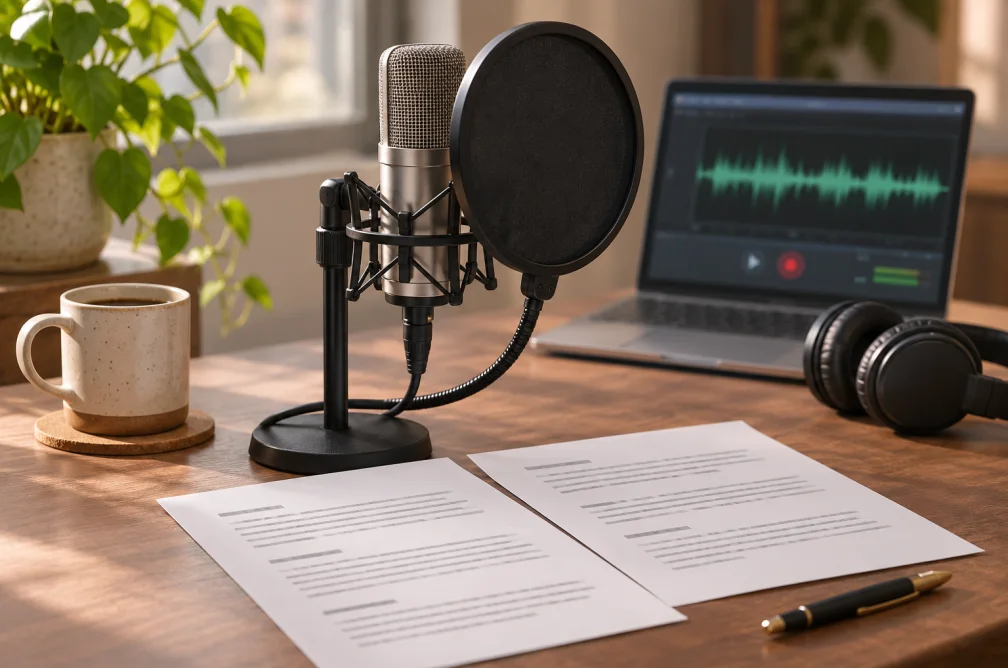
Text to Speech
Convert written text into downloadable speech. Choose a voice profile, accent and speaking speed before generating.
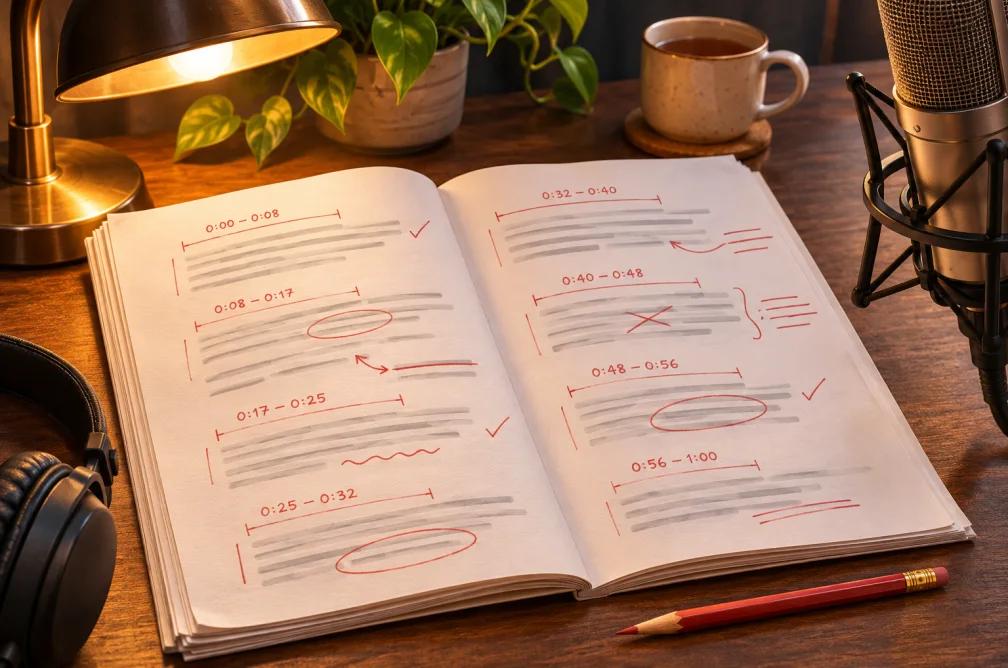
AI Voiceover Generator
Generate a standalone narration track for a product demo, lesson or social video. Choose an accent, voice profile and pace.
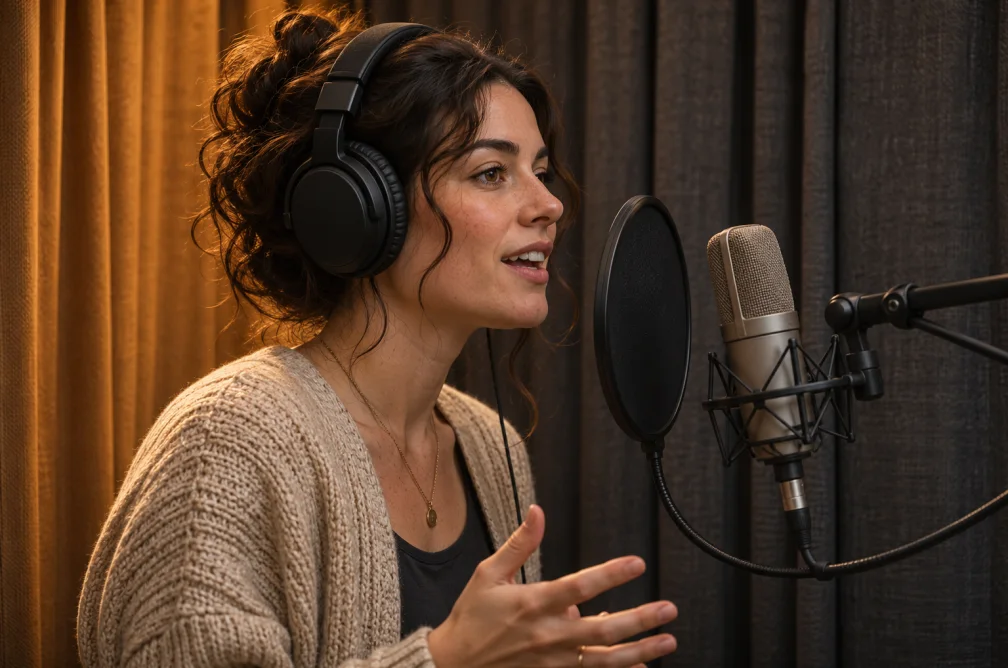
Female Voice Generator
Read a script with a female voice profile. Choose an available accent and adjust the pace for a spoken audio file.
British Accent Generator
Generate spoken audio from a script with a British accent. Choose a voice profile and adjust the speaking pace.
Australian Accent Generator
Read written English in an Australian accent. Choose a voice profile and pace for a downloadable speech track.
English Accent Generator
Read a script with an American, British, Australian, Canadian or Indian English accent and adjust the speaking rate.
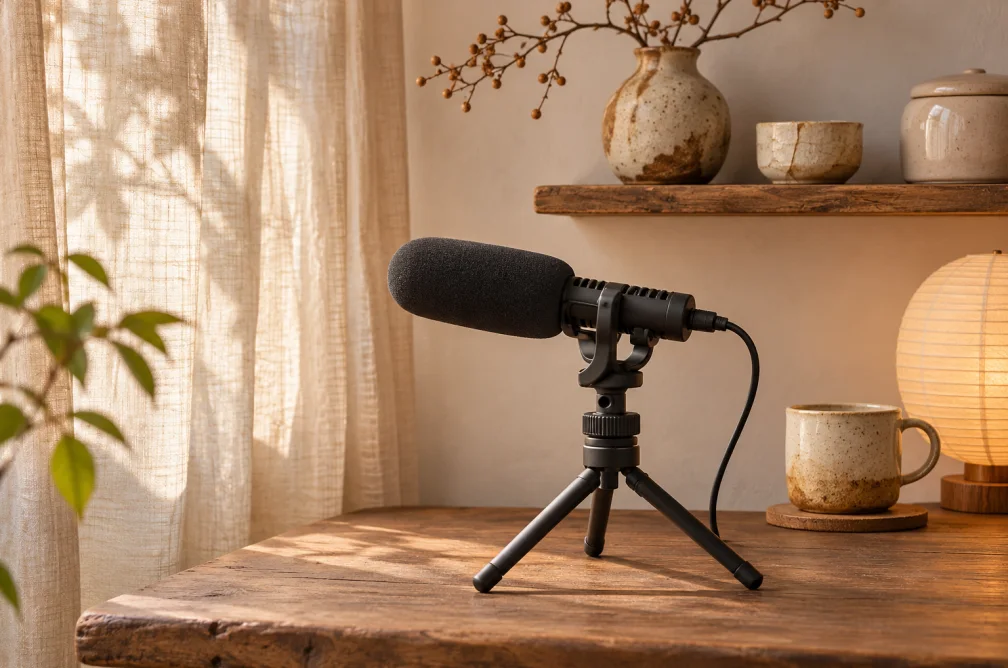
AI ASMR Voice Generator
Generate soft, whispered narration from text. Adjust the speaking rate and script punctuation to shape the pauses.
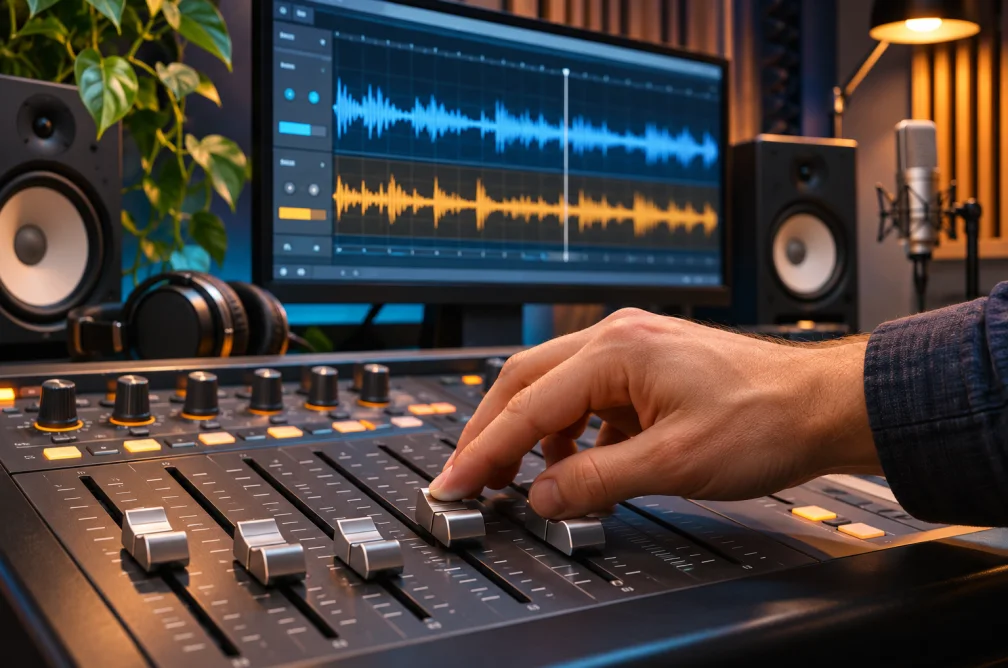
AI Music Generator
Generate a song or instrumental from a written brief. Set track length, mention instruments and optionally include lyrics.
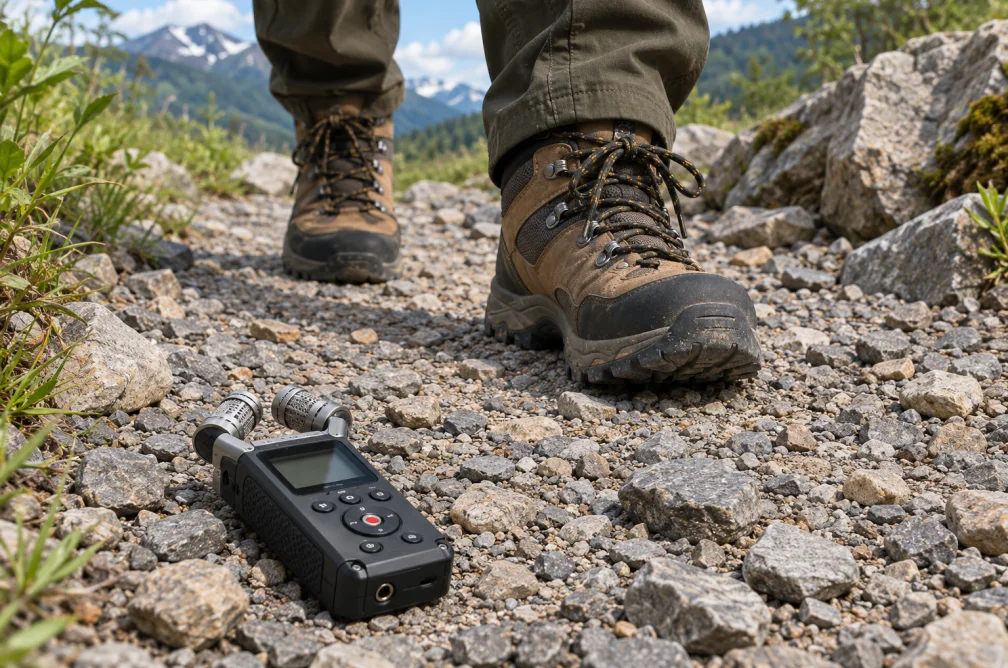
AI Sound Effect Generator
Generate a sound effect or ambience from a text description. Choose a length up to 30 seconds and switch on looping when needed.
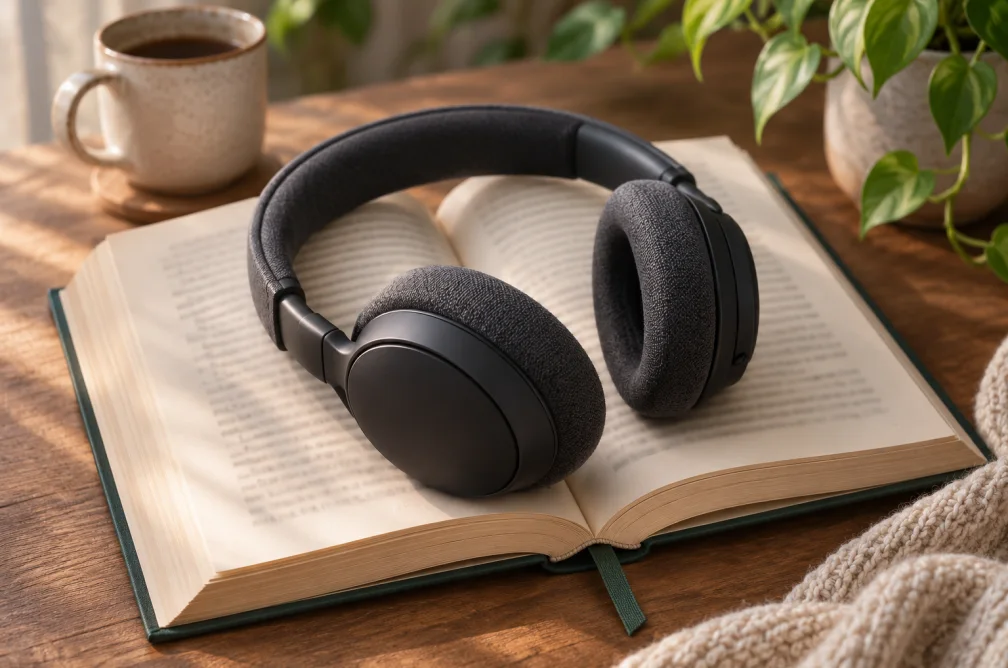
AI Audiobook Generator
Turn a written chapter or passage into an English narration draft. Choose a narrator and download the audio.
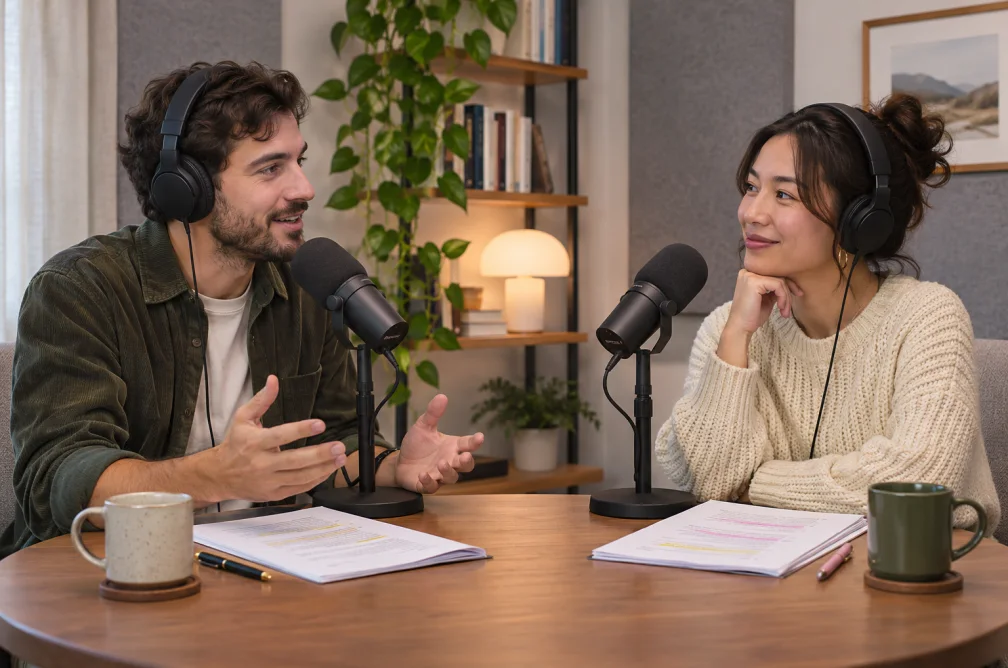
AI Podcast Generator
Turn a finished script into one podcast audio file. Assign English voices to up to four speakers using labels on each line.
AI Audio Translator
Dub a spoken recording in another language. Upload up to 15 minutes of audio, choose a target language and download the new audio track.
Vocal and Background Separator
Separate vocals and background audio from an audio or video source. Download each of the two resulting tracks separately.
Edit existing footage
Select a highlight, improve a source clip or mix its audio.
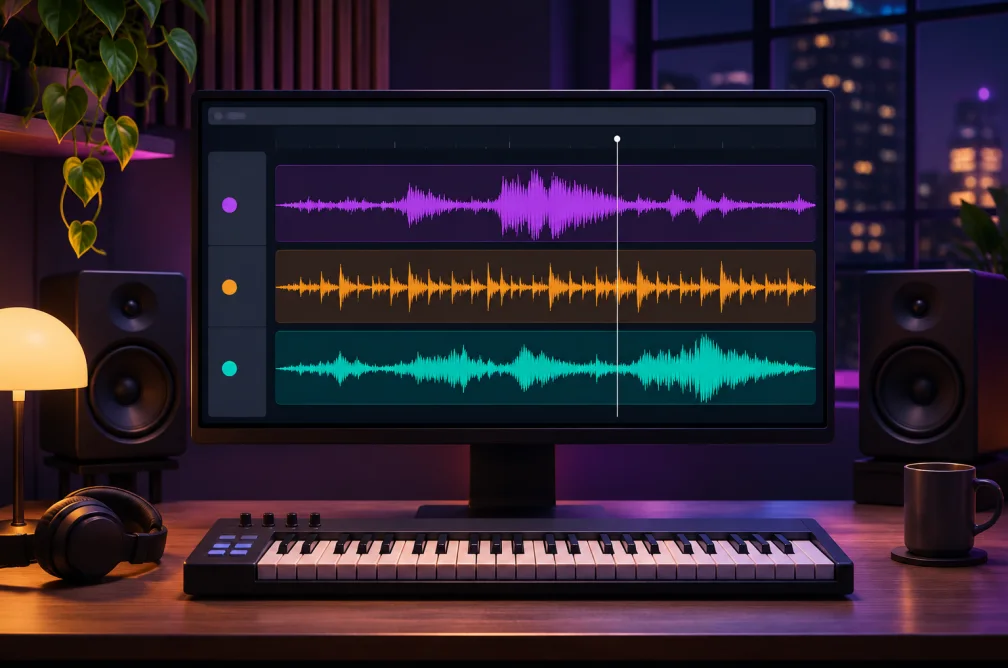
Add Audio to Video
Replace or mix a soundtrack into an H.264 video and export an MP4 in your browser. Free to use with no generation credits.
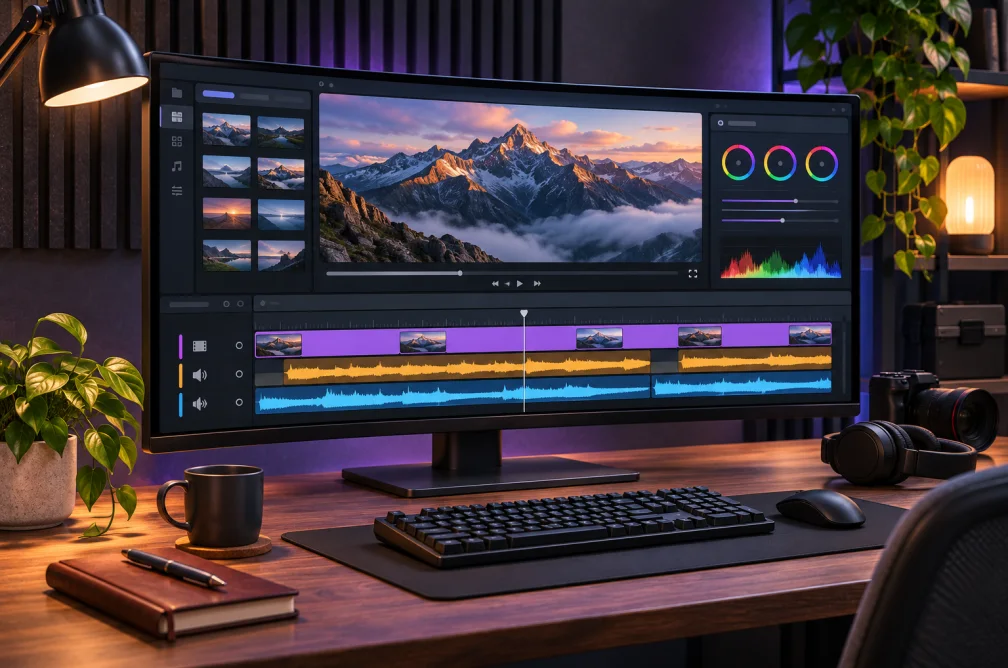
AI Video Enhancer
Use AI to clean up compression artifacts or restore focus in a video up to two minutes long. Choose an output resolution up to 1080p.
AI Video Upscaler
Upscale a source video to 1080p, 2K or 4K. Choose Standard or Fidelity and check the credit quote for your source.
AI Video Cartoonizer
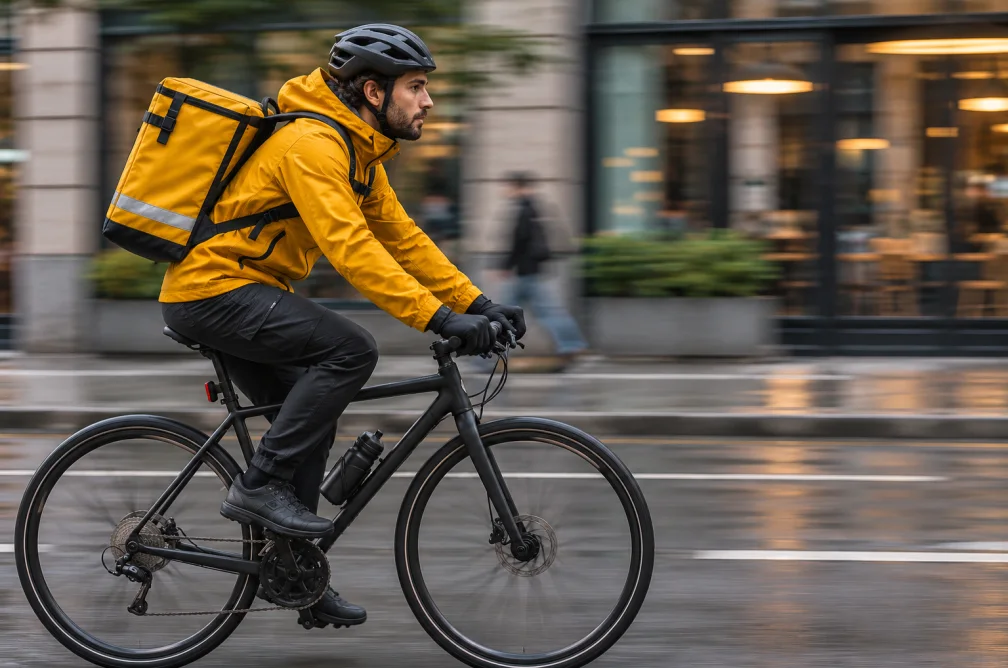
Restyle a short video scene as a cartoon with a text prompt. Upload 4–30 seconds of footage and choose an output resolution.
AI Clip Maker
Extract one highlight from uploaded footage. Describe what to prioritize and choose an approximate clip length and aspect ratio.
AI Gaming Clip Generator
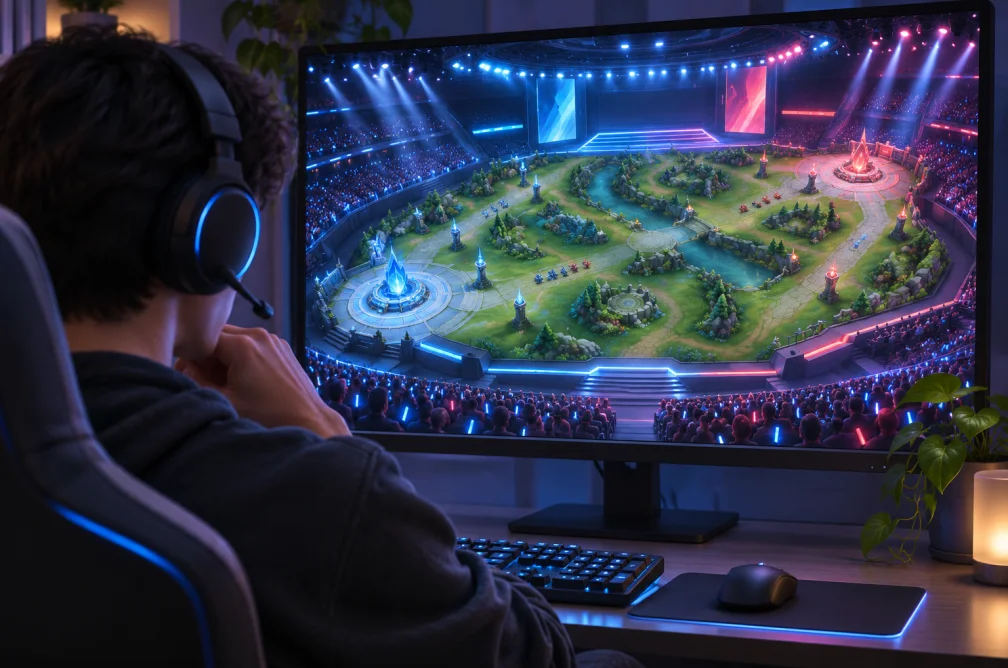
Extract one short gaming highlight from uploaded footage. Tell the editor which round, action or moment to prioritize.
Long Video to Short Video
Turn a longer recording into one short highlight. Choose an approximate length and a vertical, square or landscape output ratio.
Prepare prompts and scripts
Describe what is in an image or clip, or revise written copy.
Image to Prompt Generator
Convert a reference image into an editable English prompt describing its subject, composition, lighting and visual style.
AI Tone Rewriter
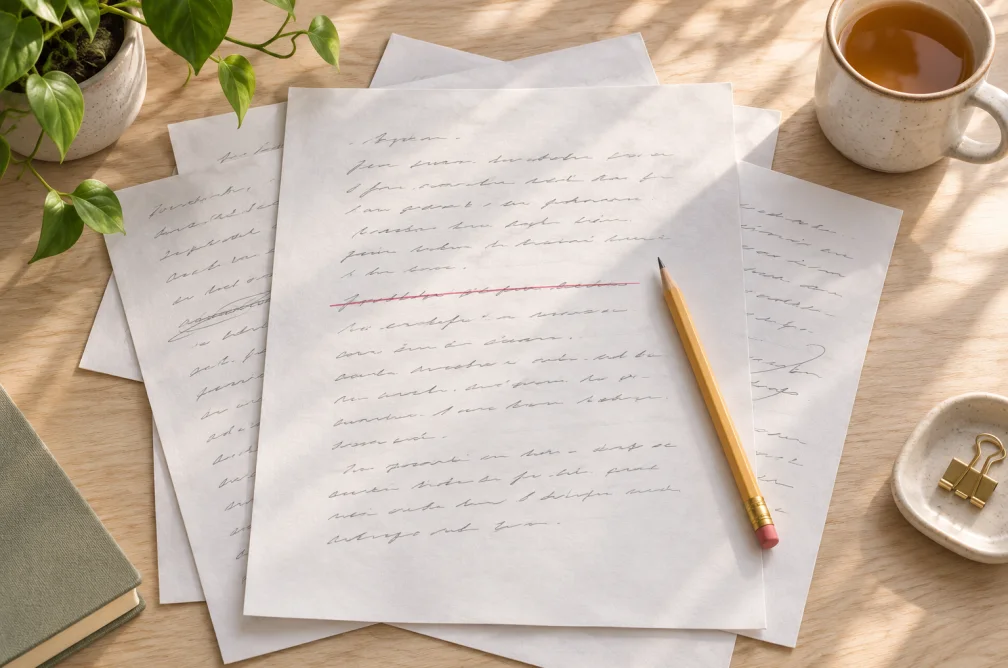
Rewrite a passage in a professional, friendly, concise, empathetic or persuasive tone. Copy the revised text for further editing.
AI Video Understanding
Analyze visible scenes, actions and objects in a video up to two minutes long. Ask a focused question about what appears in the footage.
AI Video Summary Generator
Summarize the visible events in a video clip in chronological order. Upload a clip up to two minutes and copy the written recap.
Video to Prompt Generator
Turn a short clip into an editable English generation prompt describing the subject, camera movement, lighting and timeline.
Find an AI tool by the result you need
For a written scene, open Text to Video. To edit a photo, start with Image to Image. To replace a soundtrack and export MP4, open Add Audio to Video.
When this helps
Start with the output you need. A video can become a written recap, a reusable prompt or a shorter clip. Each points to a different tool.
Examples
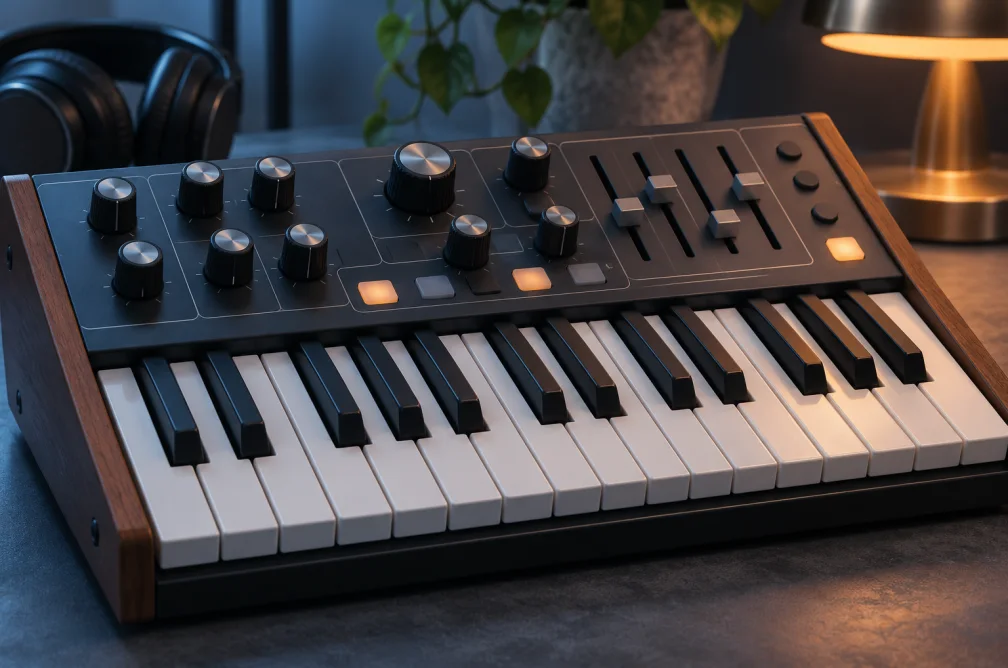
Example
An existing clip can become a written prompt, a chronological summary or a shorter video highlight. Choose the tool by which output you need.
| Starting material | Result | Tool |
|---|---|---|
| Reference image | A moving clip | Image to Video |
| Existing video | A short written recap | Video Summary |
| Existing video | A short excerpt to publish | AI Clip Maker |
| Video plus audio track | An MP4 with the new sound | Add Audio to Video |
How to use it
- Identify the material you have.
- Choose the matching editing, creation or audio category.
- Open the tool to check limits and preview its workflow.
Settings & limits
- Start with
- Text, image, audio or video
- Browse by
- Editing, generation, audio or writing
- Choose by
- The file or text you need at the end
Questions about AI Video, Image & Audio Tools
Which tool should I use if I only have an image?
Use Image to Image for a restyle, Image to Video to make it move, or Image to Prompt for a written description.
Where are the audio editors?
Look for Add Audio to Video and Vocal and Background Separator under the tools directory.
Where can I check upload limits?
Open the tool’s Settings & limits section. Time, file size and format depend on the selected workflow.
How do I tell similarly named tools apart?
Start with the output: Video to Prompt gives you directions for another render, Video Summary writes a recap, and Clip Maker returns a video. Use the description on each card to narrow the list.