Product hero image
Place the product off-center and name the side where copy will go. Use a soft key light to give the material visible texture.
Generate an image from a written brief. Choose an image model, canvas ratio and resolution, or add a reference to guide the composition.
Choose a square, landscape or vertical canvas before describing the composition. Give the model a subject, viewpoint and lighting. Available resolutions depend on the model.
Place the product off-center and name the side where copy will go. Use a soft key light to give the material visible texture.
Use a vertical ratio and reserve space at the top or bottom. Finish exact lettering separately if the model alters it.
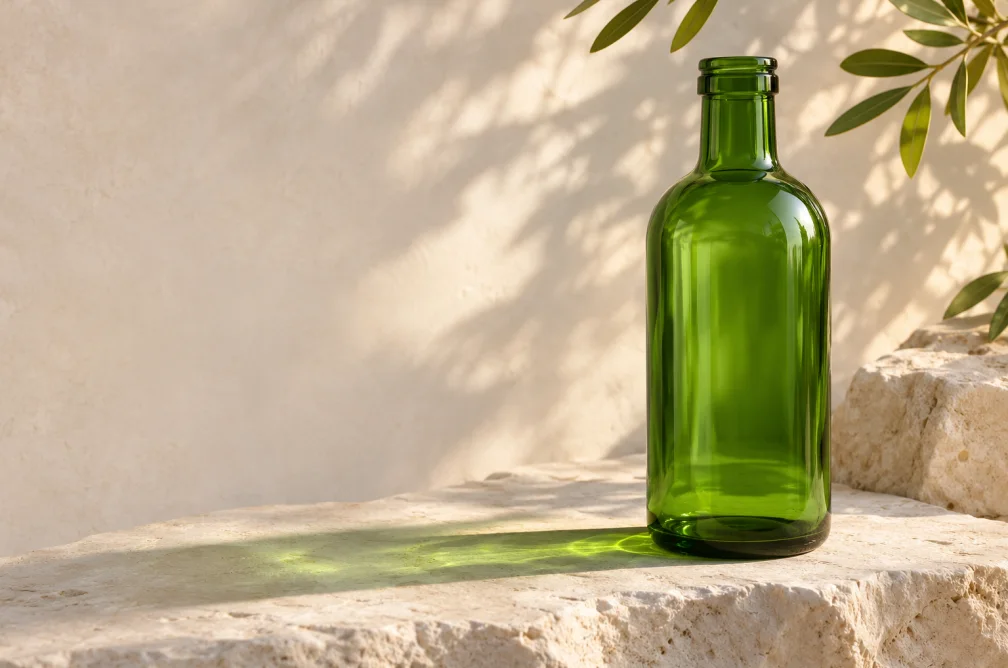
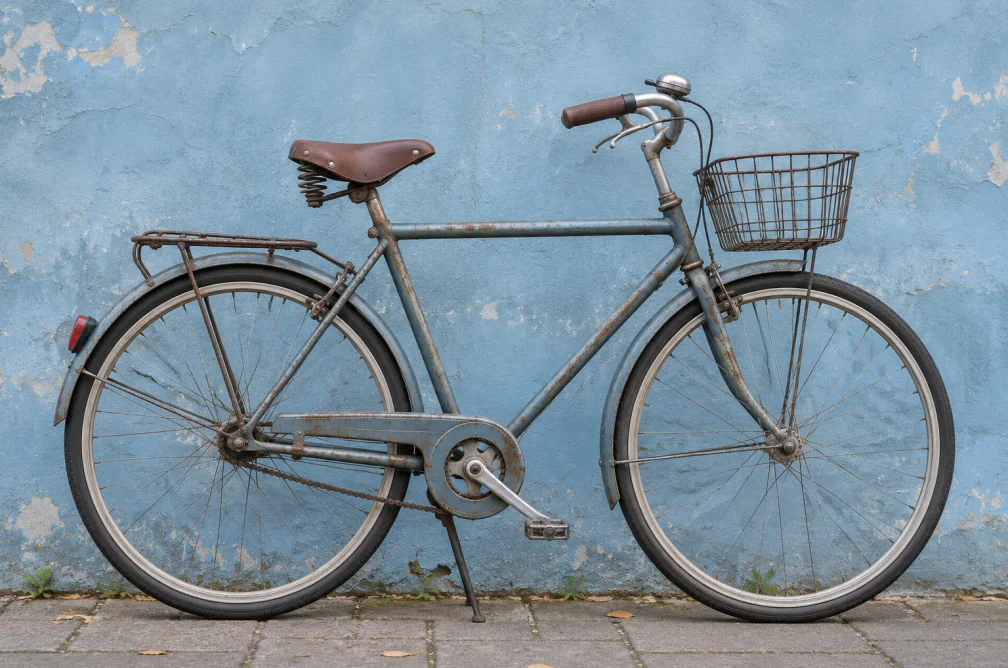
A green glass bottle stands on pale limestone, with morning side light and empty space on the left for a headline.
| Model | Resolution | Ratios | Default credits |
|---|---|---|---|
| Nano Banana Lite | 1K | 1:1, 16:9, 9:16, 4:3, 3:4, 3:2, 2:3 | 15 |
| Nano Banana 2 | 1K, 2K, 4K | 1:1, 16:9, 9:16, 4:3, 3:4, 3:2, 2:3 | 10 |
| Seedream 4.5 | 2K, 4K | 1:1, 16:9, 9:16, 4:3, 3:4, 3:2, 2:3 | 15 |
| GPT Image 1.5 | standard | 1:1, 3:2, 2:3 | 15 |
Default credits are for one request with the model’s default settings. Check your workspace quote after changing the output settings.
The current workspace offers 4K with Nano Banana 2 and Seedream 4.5. Check the model table for their other resolutions and ratios.
Yes. Add a JPG, PNG or WebP as a visual guide when composition, materials or the subject already exist. The model can interpret and redraw details in that reference.
Name the side that should stay open and what should fill it, such as a softly lit plain wall. Check that the area stays readable after cropping.
The image model, resolution and number of variations can change the quote. Default credits in the table refer to one request at the model’s default settings.
Start by checking the required crop. Pick a wide ratio if your model offers it and describe where text will sit. A draft at a smaller size is enough to review placement before requesting a larger image.