AI Video Enhancer
Use AI to clean up compression artifacts or restore focus in a video up to two minutes long. Choose an output resolution up to 1080p.
Results
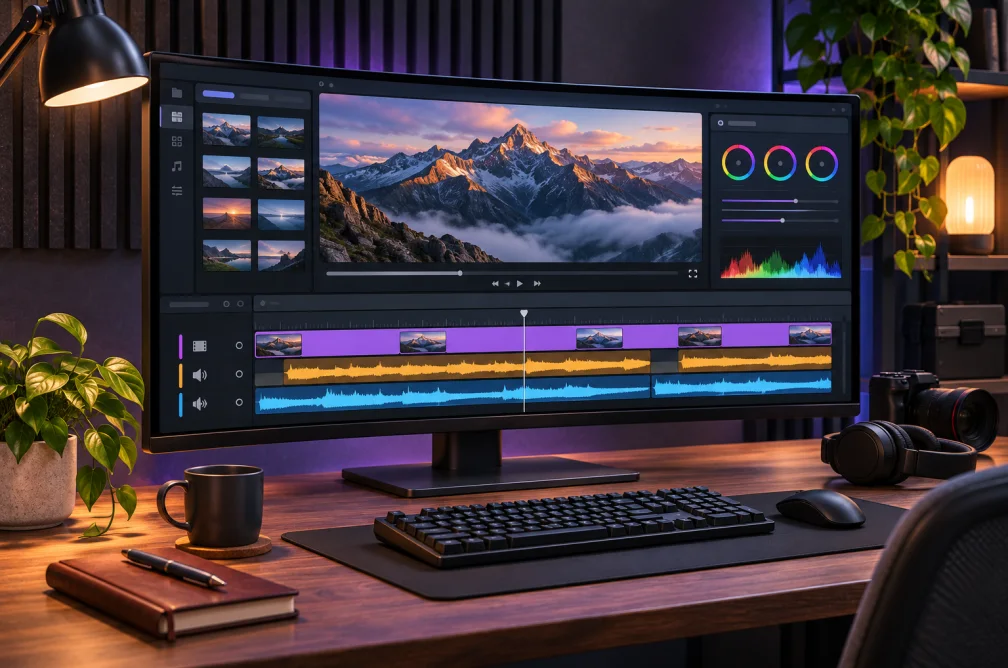 Example
Your result will appear here.
See examplesChoose compression cleanup or defocus repair
Use compression cleanup for blocky or smeared footage and defocus repair for a soft source. Compare moving edges, faces and text in a short section after processing.
When this helps
An interview may look soft because of focus or break into blocks because of compression. Inspect the speaker and on-screen text before selecting a restoration mode.
Examples

Example
Start with a short compressed interview segment and check the texture around the speaker’s face and the edges of on-screen text.
How to use it
- Choose a representative source clip.
- Select Compression cleanup or Defocus repair and a supported resolution.
- Compare the same moving edge, face and text at the same display size.
Settings & limits
- Source video
- MP4, MOV or WebM, up to 2 min and 48 MB
- Restoration
- Compression cleanup or defocus repair
- Output
- 480p, 720p or 1080p
Questions about AI Video Enhancer
Which resolutions can I choose?
The workspace offers 480p, 720p and 1080p for restoration.
Can restoration change small details?
Yes. Compare captions, skin texture and moving edges to catch plausible reconstructions or halos.
When should I use Video Upscaler?
Use Video Upscaler when the delivery requires a larger frame. Use Video Enhancer when the main problem is compression or focus.
Which restoration mode should I try first?
Use compression cleanup when blocks or smearing appear in motion. Use defocus repair when edges look soft across the frame. Check the same moment at full size for changes to faces and text.