AI Character Generator
Create a fictional character from a written brief. Describe the silhouette, clothing, setting and visual style for a concept image.
Results
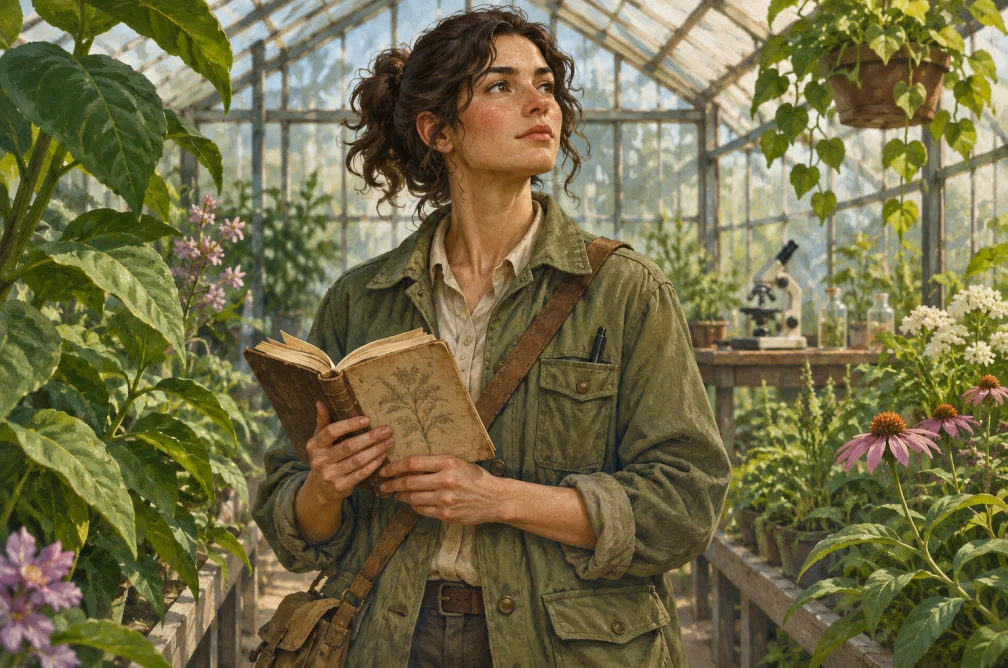 Example
Your result will appear here.
See examplesDefine a recognizable character silhouette
Start with one character and name their role, clothing and one recognizable detail. Choose the crop for the intended use, such as a portrait card or full-body study.
When this helps
Character concept artists can test a courier or researcher concept with a full-body silhouette first, then use a closer image for expression.
Examples
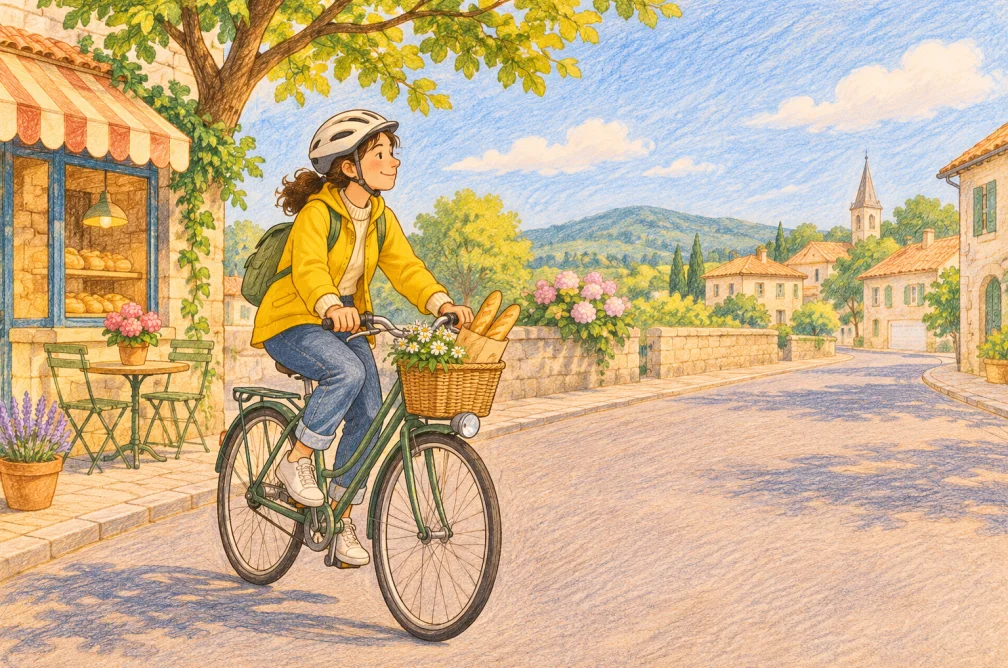
Example
A courier with a yellow raincoat, patched canvas backpack and folded paper map, drawn as a full-body editorial illustration.
How to use it
- Name the character role, silhouette and key prop.
- Pick a portrait or full-body composition and describe the medium.
- Save the strongest concept as a reference before asking for variants.
Settings & limits
- Input
- Character brief, up to 2,500 characters
- Format
- Portrait or full-body crop via the selected ratio
- Output
- One concept image
Questions about AI Character Generator
What makes a character brief clear?
Give the character a role, clothing shape and one prop that hints at the work they do.
Should I choose a full-body image?
Choose full body for costume and posture, or a closer crop when expression is the main decision.
Will later renders keep the same costume?
Costume and accessories can vary. Describe the essential pieces each time and use a successful concept as a reference when supported.
How can I document a design before making variations?
Save the strongest image as a visual reference and write down two or three details that define the design. Compare those details first on each new version.