AI Image Upscaler
Use a higher resolution image model to regenerate a larger version of a photo or graphic and recover visible detail.
Results
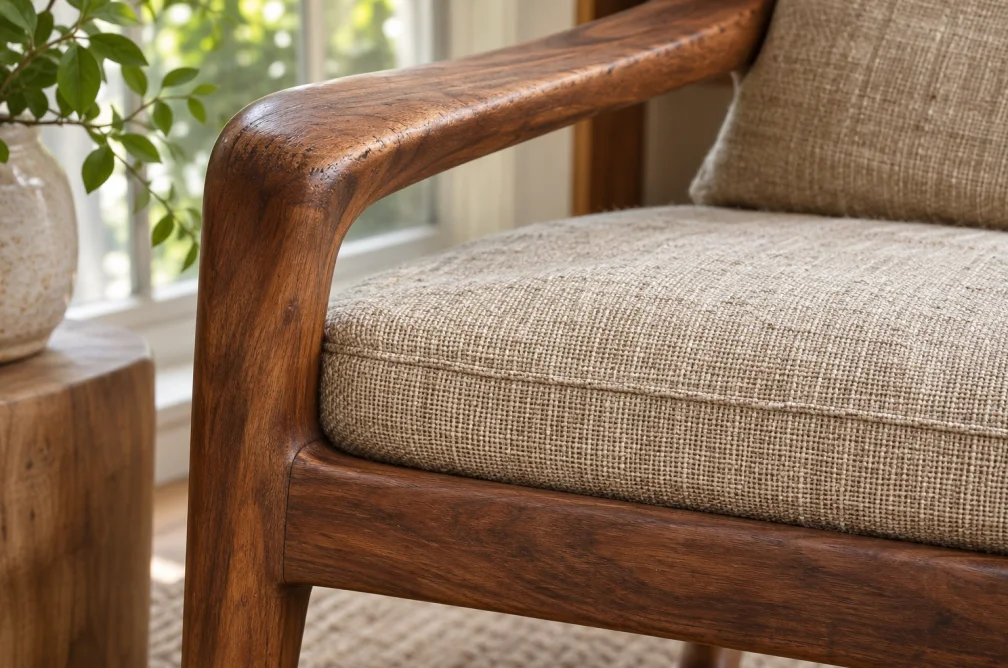 Example
Your result will appear here.
See examplesChoose a larger output resolution
Select a model that offers 2K or 4K and pick the available resolution in the workspace. The model recreates fine detail, so compare faces, textures and lettering at full size.
When this helps
A small product photo may need a 4K version for a new crop. Inspect its label at 100% before treating the larger file as a faithful source.
Examples
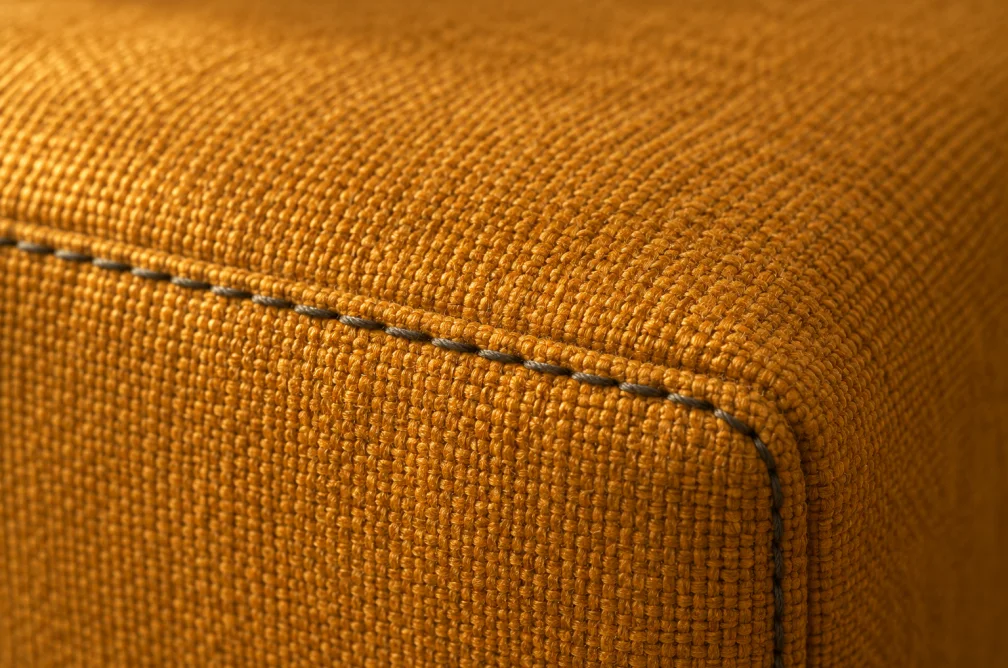
Example
Upload a small product photo and ask the model to retain the framing while bringing out surface texture.
How to use it
- Upload a clear original image.
- Choose a model that offers the desired resolution and request the larger version.
- Compare lettering, faces and repeating patterns with the source at the same viewing scale.
Settings & limits
- Source photo
- JPG, PNG or WebP, up to 10 MB
- Larger outputs
- 2K or 4K on supported models
- Method
- Generative detail reconstruction
Questions about AI Image Upscaler
Can I choose a fixed 2× or 4× multiplier?
Choose a supported resolution in the workspace. The exact dimensions depend on the model and ratio, so inspect the downloaded file for the required size.
Which models can output 4K?
Nano Banana 2 and Seedream 4.5 offer 4K in the current model catalog.
Will the model preserve text exactly?
Generation can recreate characters or edges. Keep the source artwork or reapply exact lettering in an editor.
What should I check before using an upscale for print?
Choose a model with the resolution you need, then view text, faces and repeating patterns at actual size. A larger file can contain newly inferred details. Keep the original for work that requires exact text or documentary fidelity.