AI Image Unblur
Use a reference photo to generate a clearer version of a soft image. Guide the details you want to preserve and review reconstructed edges.
Results
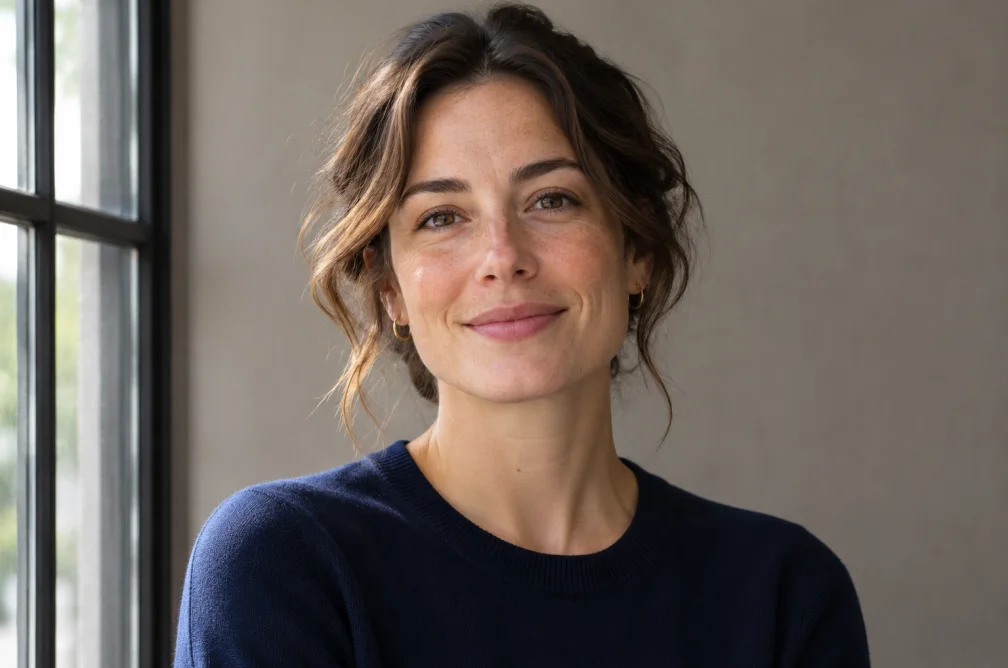 Example
Your result will appear here.
See examplesClarify a soft image while preserving the framing
Choose a photo where the subject is visible. Describe the detail you want recovered, such as eyes or a fabric edge. The result may reconstruct detail that was indistinct in the source.
When this helps
A soft portrait can be easier to view after reconstruction, but a crop with unreadable text is a poor source for recovering the exact letters.
Examples
Example
Bring the dog’s eyes and nose into clearer focus while preserving the soft background.
How to use it
- Choose the clearest source or frame you have.
- Name the blurred detail, such as the eyes or edge of a jacket.
- Compare the restored structure with the source and inspect any reconstructed text.
Settings & limits
- Source photo
- JPG, PNG or WebP, up to 10 MB
- Target
- Soft focus or motion blur
- Output
- A newly rendered interpretation
Questions about AI Image Unblur
Can it recover unreadable words exactly?
No. The model can infer plausible letters, so verify against another source when the spelling matters.
Which source should I upload if I have several shots?
Start with the frame where important details are least blurred and the subject is fully visible.
How do I tell soft focus from motion blur?
Soft focus reduces edge definition broadly. Motion blur often leaves a streak in the direction of movement. Describe the defect you see.
Which parts of a portrait should I review after unblurring?
Compare eyes, nose and hairline at the same zoom. If the restored image changes a distinctive feature, prefer a sharper source frame for that part.