AI Gaming Clip Generator
Extract one short gaming highlight from uploaded footage. Tell the editor which round, action or moment to prioritize.
Results
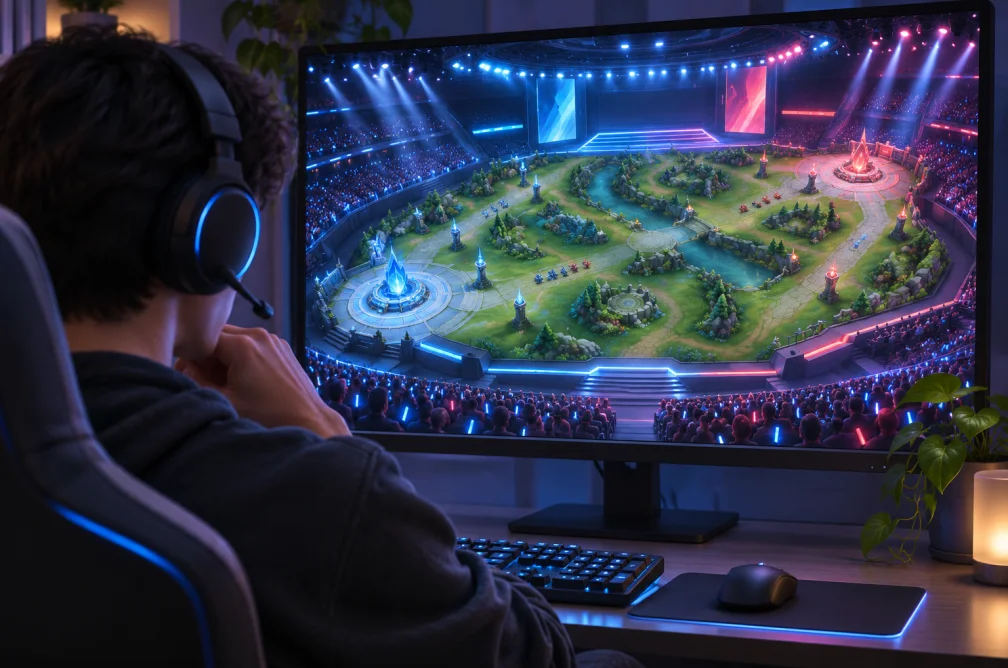 Example
Your result will appear here.
See examplesDescribe the gaming moment to highlight
Name the event the editor should find, such as a comeback or close finish. Choose the output ratio and check that important HUD details remain visible.
When this helps
A comeback clip needs the moment the risk becomes clear and the final result. The HUD can carry important information at both edges.
Examples
Example
Find the last objective capture and include enough of the lead-up for the finish to make sense.
How to use it
- Upload the section of the recording with the event.
- Describe the round, objective or move to prioritize and choose a ratio.
- Check the final crop for the player, scoreboard and minimap.
Settings & limits
- Source
- MP4, MOV or WebM, up to 48 MB
- Target length
- 15, 30, 60, 90 or 120 seconds, approximate
- Ratios
- 9:16, 16:9 or 1:1
Questions about AI Gaming Clip Generator
Can I prioritize a specific round?
Describe a distinct event in that round, such as the final objective or a visible score change.
Will a vertical clip hide the HUD?
A vertical layout can reduce the space available for indicators. Review the result at phone size or choose landscape when both edges matter.
Can I get more than one highlight?
Each request returns one clip. Submit distinct instructions for different rounds or plays.
How do I keep the HUD readable in a vertical gameplay clip?
Choose a moment where the action is near the center and preview the vertical result at phone size. Check the scoreboard, minimap and dialogue. Choose landscape if critical information sits at both edges.