AI Video Understanding
Analyze visible scenes, actions and objects in a video up to two minutes long. Ask a focused question about what appears in the footage.
Results
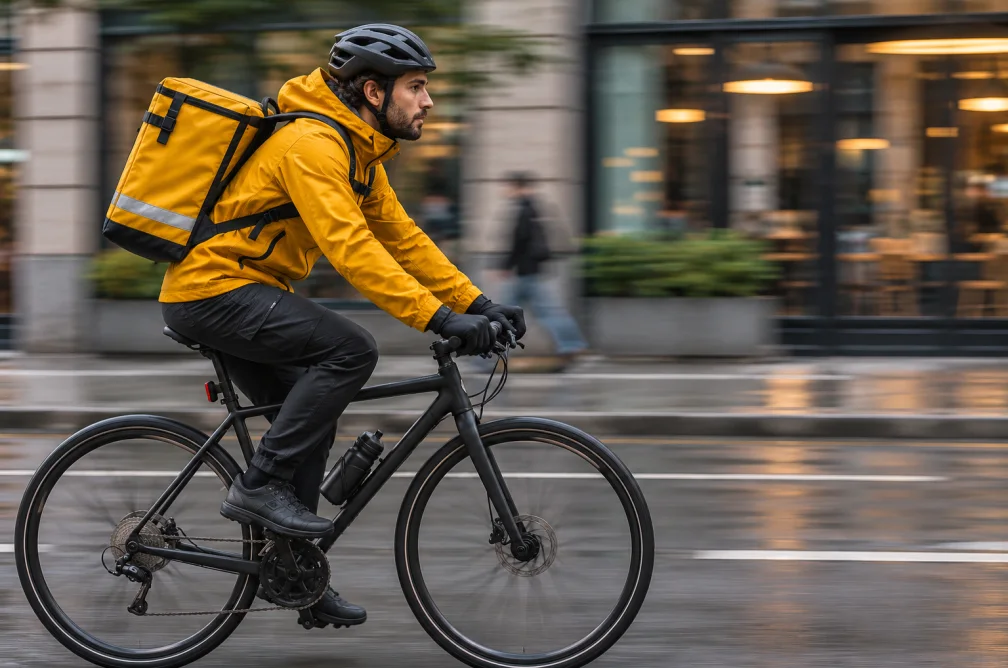 Example
Your result will appear here.
See examplesAsk a question about what is visible
Upload a short clip and name the moments or objects you want to examine. Ask for a longer description when you need scene detail, or use the summary tool for a brief recap.
When this helps
For an edit review, ask which object changes position or where a camera cut occurs. This gives you a concrete point to confirm in the footage.
Examples
Example
Identify which items move on the table and describe how the camera position changes between shots.
How to use it
- Trim your upload to the relevant scene.
- Ask one question about a visible object, action or shot change.
- Replay the scene and verify the response before using it in edit notes.
Settings & limits
- Source video
- MP4, MOV or WebM, up to 2 min and 48 MB
- Query
- Optional instructions about visible content
- Output
- Written scene analysis
Questions about AI Video Understanding
What can I ask about a video?
Ask about visible subjects, actions, framing or changes between shots. Refer to the part of the clip you care about.
How long can a clip be?
Upload a clip up to two minutes and 48 MB in MP4, MOV or WebM.
Can I ask for spoken words?
Use a transcript when you need exact dialogue. This tool is designed to describe and interpret visible content.
How can I get a more useful answer about a busy scene?
Ask about one visible action, object or shot change at a time. Trim the source to the moment you care about, then compare the response to the frames before relying on the interpretation.