AI Graffiti Generator
Generate graffiti lettering and street-art scenes from a phrase, surface and paint style. Review spelling before publishing.
Results
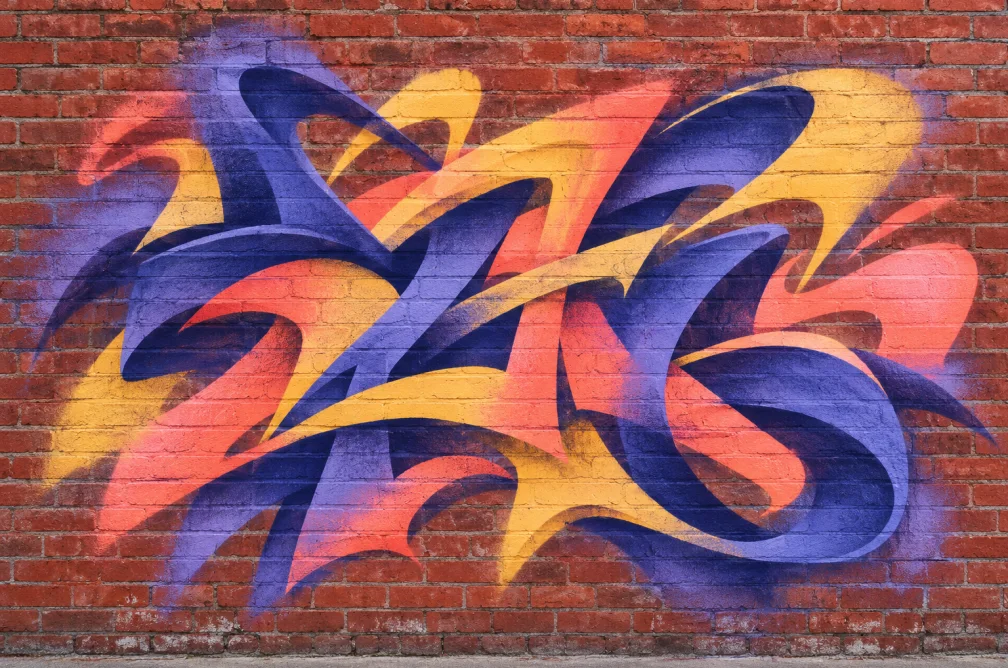 Example
Your result will appear here.
See examplesChoose the surface and lettering style
Use a short phrase in quotes and describe the letterforms and surface. Zoom in after generation to check that the letters and spacing are readable.
When this helps
A poster using street lettering needs the phrase readable at a distance. Use short copy and check the space between strokes.
Examples
Example
Paint “NIGHT SHIFT” in bold white block letters on red brick with a narrow blue outline.
How to use it
- Enter a short phrase in quotes.
- Specify the lettering shape, colors and surface.
- Zoom in to review spelling and stroke separation before setting the poster.
Settings & limits
- Input
- Phrase, surface and paint style
- Canvas
- 1:1, 9:16 or 16:9
- Resolution
- 1K, 2K or 4K
Questions about AI Graffiti Generator
How many words should I use?
Start with one to three short words. Shorter copy is easier to check for spacing and legibility.
Will the tool spell the exact phrase?
Lettering can differ from the prompt. Use a design editor to place exact text when spelling must be preserved.
How do I describe the wall and paint?
Name the material, finish and contrast, such as red brick with opaque white lettering and a blue outline.
How can I make the lettering easier to review?
Use one to three short words in quotation marks and ask for high contrast against the surface. Check every letter at actual size. For artwork that requires exact copy, add the final lettering in a design editor.