AI Video Cartoonizer
Restyle a short video scene as a cartoon with a text prompt. Upload 4–30 seconds of footage and choose an output resolution.
Results
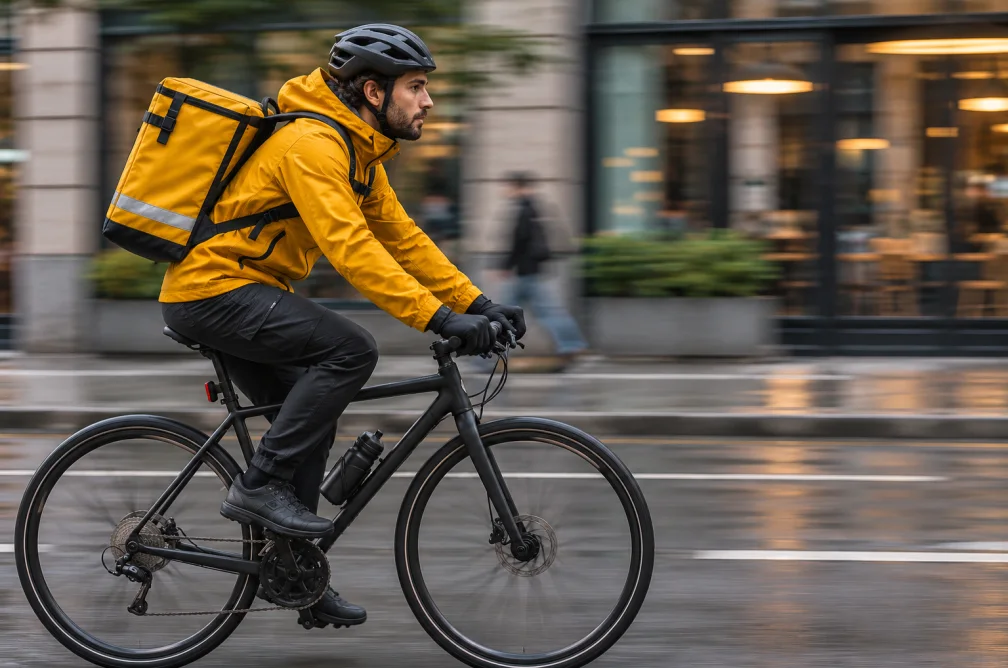 Example
Your result will appear here.
See examplesCartoonize one shot at a time
Start with a single short scene. Describe the line style, color palette and motion you want, then check that characters stay recognizable through the shot.
When this helps
Review a short, stable mid-shot first when a character needs the same costume and outline throughout the restyle.
Examples
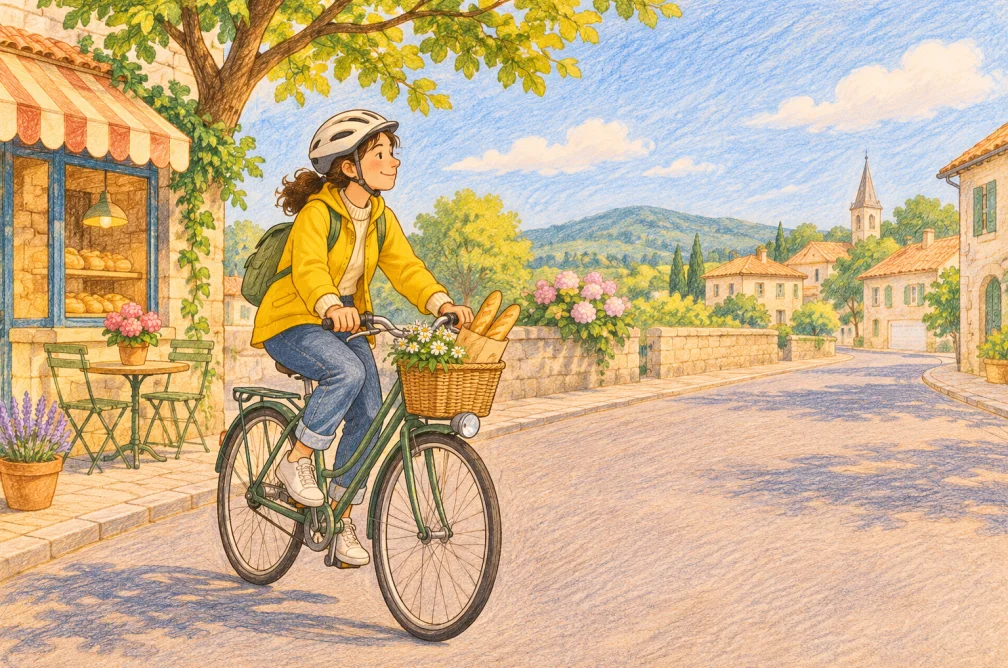
Example
Use hand-drawn outlines and muted warm colors while keeping the original framing and gestures.
How to use it
- Upload a 4–30 second source clip.
- Describe the linework, shading and palette, then select an output resolution.
- Compare the character and gesture at the opening, middle and end.
Settings & limits
- Source duration
- 4 to 30 seconds
- Source formats
- MP4, MOV or WebM, up to 48 MB
- Output
- One restyled video clip
Questions about AI Video Cartoonizer
What footage works well for a cartoon restyle?
Choose a single shot with a recognizable subject, even lighting and a steady angle. Crowded scenes make continuity harder to check.
Can I specify the style of outlines?
Yes. Include a short direction such as soft pencil lines or bold outlines, and describe the palette beside it.
Can I restyle a full scene longer than 30 seconds?
The current tool accepts 4–30 seconds per upload. Split longer scenes into shots and review style consistency between exports.
What kind of source works for a consistent cartoon look?
Choose a short shot with clear characters and steady framing. Describe the outline, texture and color in a single visual style. Check the same character early and late in the result for unwanted changes.