AI Hair Color Changer
Preview a new hair shade on a portrait. Describe its tone and highlights while guiding the model to retain the hairstyle and lighting.
Results
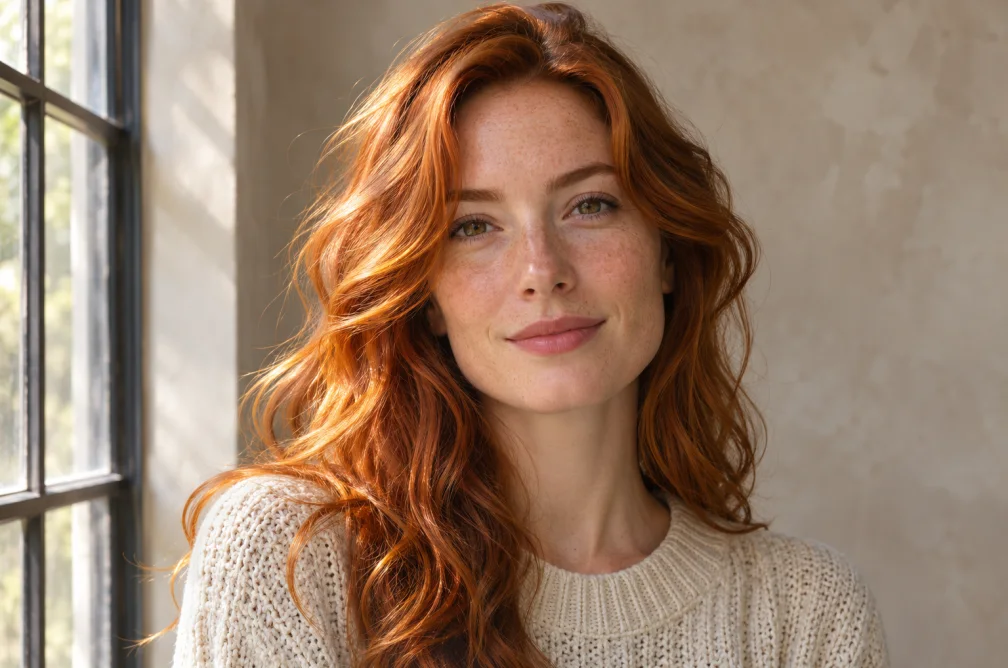 Example
Your result will appear here.
See examplesSpecify the shade under the original light
Use a well-lit portrait and name both the color and finish, such as cool ash brown or warm copper with soft highlights. Check brows and hairline after generation.
When this helps
For a shade choice such as cool brown versus warm copper, use the same neutral portrait and compare the roots, highlights and skin.
Examples
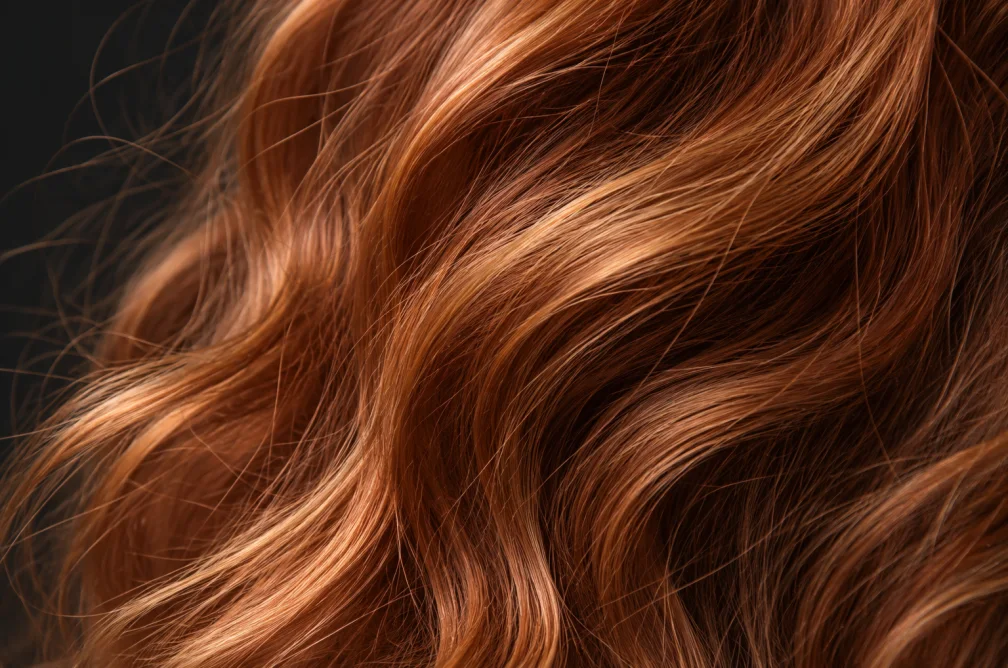
Example
Change dark brown hair to muted copper with subtle highlights. Keep the haircut and complexion.
How to use it
- Upload a portrait with neutral lighting.
- Name the target shade, undertone and finish. Keep the hairstyle and light in the instructions.
- Compare the new color around the hairline and eyebrows.
Settings & limits
- Portrait
- JPG, PNG or WebP, up to 10 MB
- Change
- Hair shade, tone and highlights
- Output
- One edited portrait
Questions about AI Hair Color Changer
Can I change the shade while keeping the haircut?
Yes. Ask to preserve the part and length. Check them against the original after generation.
Why does neutral lighting matter?
A colored light can make a dye sample look warmer or cooler than expected. Compare both versions in the same lighting.
Where should I look for color spill?
Check brows, ears, skin near the hairline and reflections around the subject.
How do I compare two shades?
Use one portrait taken in neutral light and change only the shade in the prompt. Compare the darker roots and brighter tips across both images. Review eyebrows and skin for color spill.