AI Image Templates
Browse starter prompts for product photography, portraits and character illustrations. Preview the composition and open a brief in the image generator.
Image briefs by subject
Start with a template that fits the deliverable
Use an image template to explore a composition for a poster or product shot. Look at where the subject sits in the frame and how the lighting separates it from the backdrop.
When this helps
A product image template can supply the composition for a new campaign. Replace the subject and colors and retain the intended area for copy.
Examples
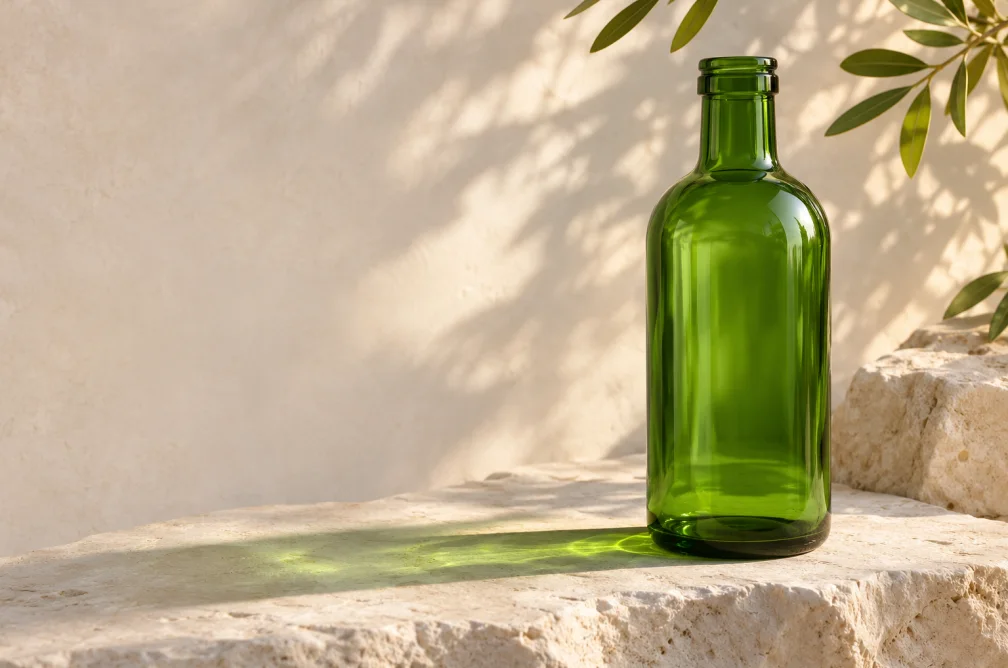

Example
Open the jar template with room for a headline. Keep the side light and empty space, then change the product and backdrop.
How to use it
- Choose a template by layout and intended crop.
- Open its prompt and replace the subject, surface and palette.
- Inspect the crop before adding final brand elements.
Settings & limits
- Browse
- Image templates
- Examples
- Posters, product stills and campaign layouts
- Use
- Open an editable prompt in the image generator
Questions about AI Image Templates
Which template suits a product listing?
Choose a card with one centered subject and a simple setting. Compare it with the marketplace’s crop and background requirements.
Can I change colors and the subject?
Yes. The template opens a prompt you can edit before generating.
How do I reserve space for branding?
Describe the side that should remain open. Add exact logos and lettering separately.
How can I use a template for my own brand?
Borrow the composition and replace the subject, palette and surface. Leave empty space where your typography will go. Finish exact logos and text as separate design layers.