AI Emoji Generator
Create a single emoji-style image. Describe the expression and silhouette, then review how it reads at small sizes.
Results
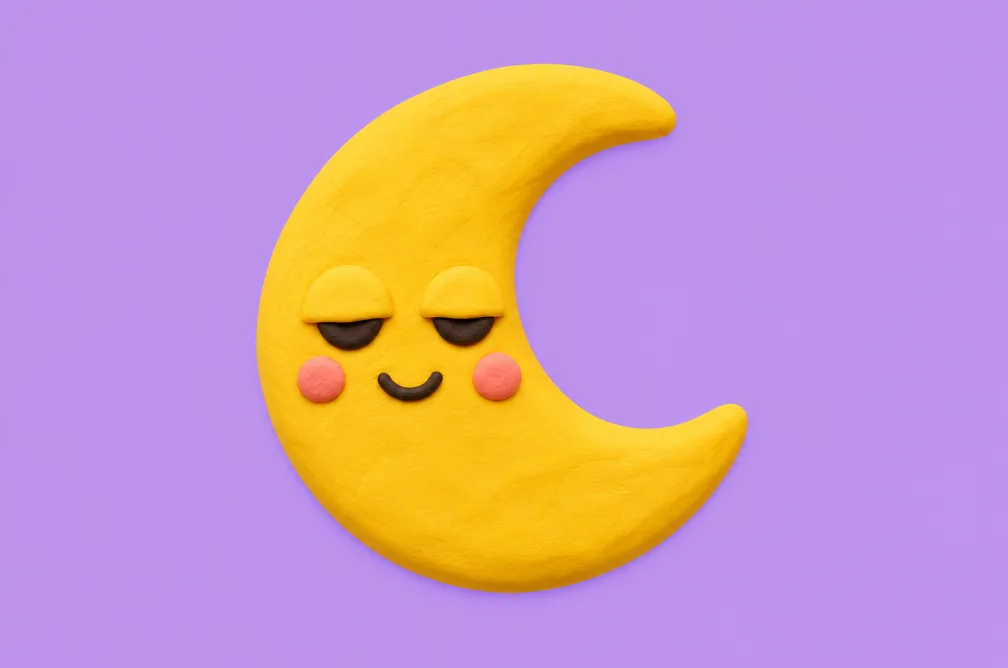 Example
Your result will appear here.
See examplesDesign an emoji that reads at a glance
Pick one emotion and exaggerate a clear expression. Use a simple background and preview the result at icon size before using it in a sticker or avatar set.
When this helps
A chat sticker must still read at icon size. A large mouth shape and simple outline carry more detail than realistic accessories.
Examples
Example
Make a round, sleepy moon with half-closed eyes, a soft blue tint and a simple silhouette.
How to use it
- Choose one emotion and a recognizable outline.
- Ask for a square composition with a simple background.
- Preview it at chat size and remove details that disappear.
Settings & limits
- Input
- Expression and style prompt
- Crop
- Choose a square ratio for a sticker or icon
- Output
- One emoji-style image
Questions about AI Emoji Generator
Which ratio works best for an emoji-style sticker?
Square usually leaves room for a centered shape and matches common sticker layouts.
Does this export a native Unicode emoji?
It creates an image. Your messaging or design application determines how the image can be uploaded and used.
How can I simplify a busy design?
Keep one expression and remove tiny accessories. Use high contrast between the face and outline.
How do I check that the expression reads at chat size?
Shrink the preview to the size you plan to use. Verify that the eyes, mouth and outline remain readable. If they disappear, simplify the shape and remove small accessories from the prompt.