AI Voiceover Generator
Generate a standalone narration track for a product demo, lesson or social video. Choose an accent, voice profile and pace.
Results
 Example
Your result will appear here.
See examplesRecord narration from a finished script
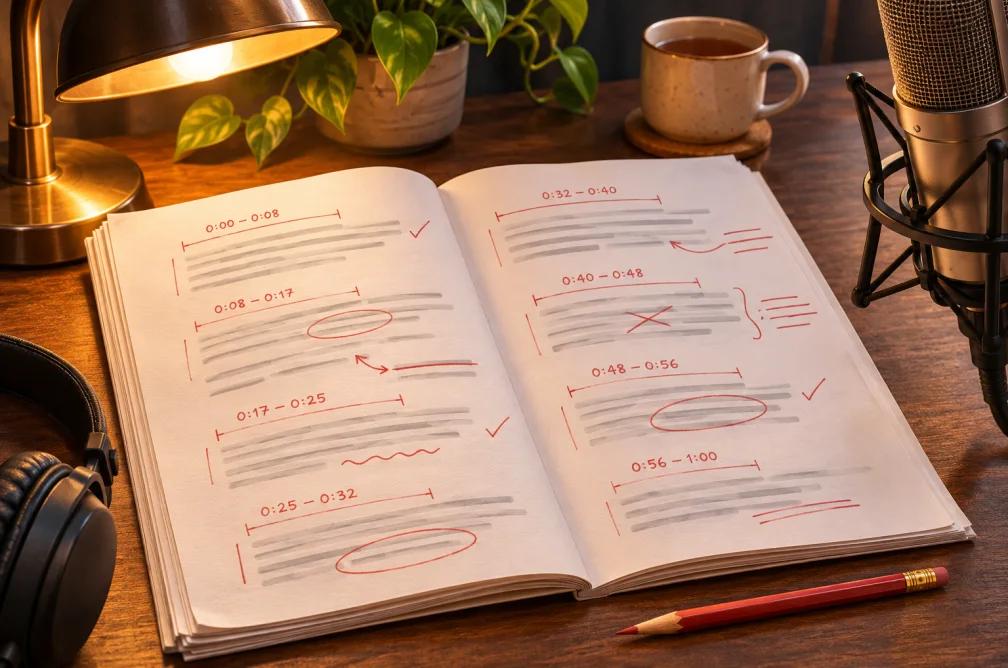
Write the voiceover as spoken lines. Start with a short section so you can check how the pacing fits your footage. Download the audio and place it over your video.
When this helps
For a product walkthrough, time the section that needs narration and write fewer words so the voice can pause while the screen shows the action.
Examples
Example
“Open the project, select a reference image, and choose the shot length before you generate.”
How to use it
- Watch the corresponding scene and mark where the narration starts and ends.
- Paste the script and select the voice, accent and rate.
- Download the voice, align it with the footage and check it alongside any music.
Settings & limits
- Input
- Narration script, up to 5,000 characters
- Pace
- 0.5× to 2× speaking rate
- Output
- Standalone audio track
Questions about AI Voiceover Generator
Can I match narration to a scene length?
The speed control changes delivery pace. Time a short section over the source clip and trim the script if it still runs long.
Can I download the voiceover separately?
Yes. The generator returns an audio track you can move to a video editor.
How do I put this voiceover on the video?
Open Add Audio to Video. Choose Mix to keep the original audio or Replace to use the narration alone.
Which settings should I record across voiceover takes?
Write down the voice, accent and rate next to the script. Note any phonetic spellings so the next take reads the same names consistently.