AI Hairstyle Changer
Preview a different haircut using a portrait reference. Describe the length, shape and texture in the style you want to try.
Results
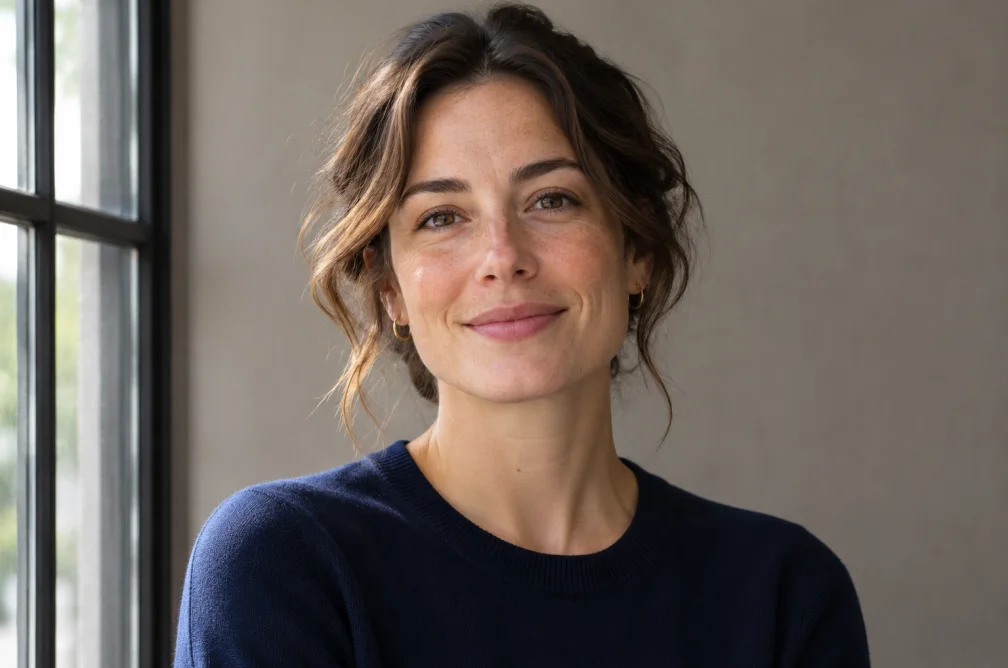 Example
Your result will appear here.
See examplesUse a portrait that shows the hairline
Upload a front-facing portrait with visible hair and ears. Describe the cut and ask the model to keep the expression and camera angle. Compare the face with the original.
When this helps
Before a haircut, compare how a chin-length bob changes the outline around the jaw. Use a single reference so lighting and expression can be compared.
Examples
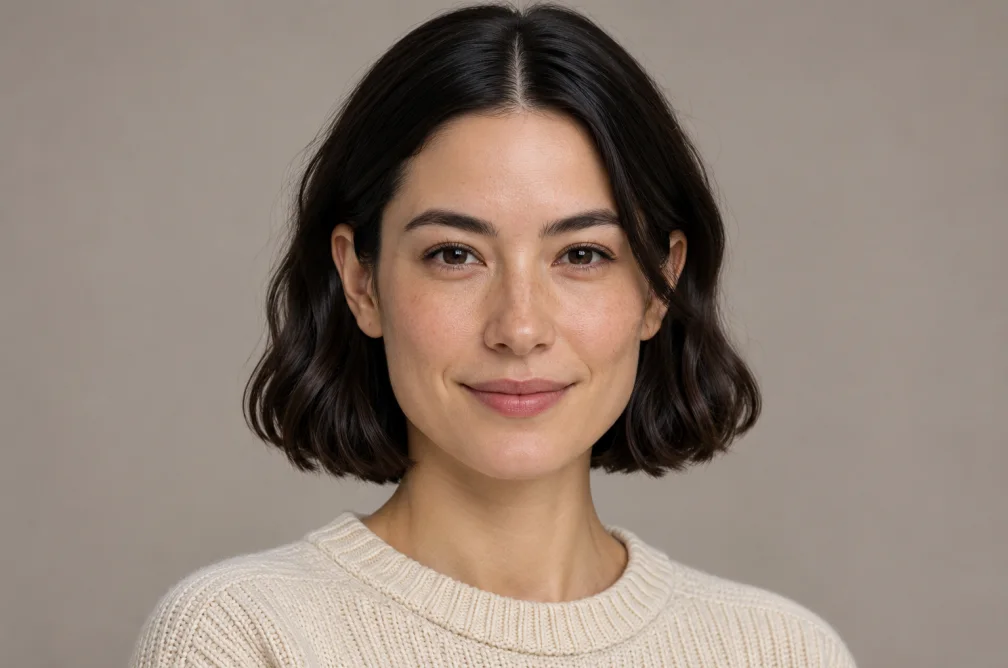
Example
Try a chin-length blunt bob with light waves and a center part. Keep the face and hair color.
How to use it
- Upload an eye-level photo with the whole hairline visible.
- Describe the cut, part and texture. Ask to keep the original face and color.
- Inspect the jawline, ears and hairline in the proposed style.
Settings & limits
- Portrait
- JPG, PNG or WebP, up to 10 MB
- Change
- Cut, shape, part or texture described in the prompt
- Output
- One edited portrait
Questions about AI Hairstyle Changer
What angle is best for trying a hairstyle?
Use an eye-level view with the forehead, ears and full hair outline visible.
Can I change the length and keep the color?
Ask to preserve the original shade while changing only the cut. Compare the temples and ends afterward.
How should I describe layers or bangs?
Say where the first layer or fringe should end and whether the cut is blunt, feathered or textured.
Which portrait makes a haircut comparison easier?
Use an eye-level photo with the full head and hairline visible. Keep the angle, expression and lighting fixed in your instructions so your attention stays on length and shape. Compare the hairline and ears before sharing.