1080p delivery
Choose 1080p if that is the final format. Check a clip with fine text before using the same setting across a batch.
Upscale a source video to 1080p, 2K or 4K. Choose Standard or Fidelity and check the credit quote for your source.
 Example
Your result will appear here.
See examplesUpload the source, choose an output resolution and compare Standard with Fidelity using the quote. Review faces, text and moving edges at the intended display size.
Choose 1080p if that is the final format. Check a clip with fine text before using the same setting across a batch.
Consider 4K when the destination calls for it. Check the source at actual size so small defects do not become harder to miss in a larger image.
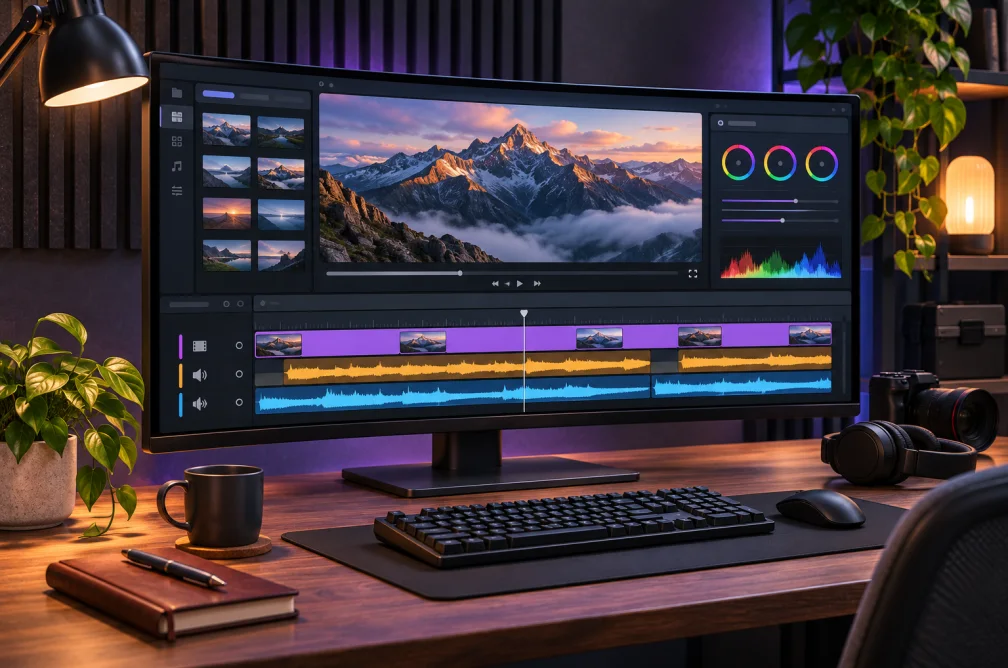
Choose 1080p for a social clip that will play at that size, or 4K for a larger display.
| Target | When it fits | Check before exporting |
|---|---|---|
| 1080p | A standard HD playback or edit timeline | Fine text and edges read at normal viewing size. |
| 2K | A destination that accepts the intermediate resolution | The downloaded file matches the required dimensions. |
| 4K | A 4K delivery or an edit with extra room to reframe | The source has enough detail for the larger output. |
They use separate enhancement models. Compare them at the same destination resolution, using a section with moving edges or small text, then check the quote for that source.
The workspace lets you choose a target resolution and enhancement mode. Frame rate is outside those controls. Check the exported file if your delivery has a frame-rate requirement.
The tool accepts MP4, MOV or WebM up to ten minutes and 48 MB. If your clip exceeds the file limit, prepare a shorter section before uploading.
Try Video Enhancer when compression artifacts are the main issue. Use Video Upscaler when the deliverable needs a larger resolution, then check what happened to the original defects.
Choose 4K when your delivery requires it or you need extra room for a crop. Use 1080p for a 1080p destination and compare Standard with Fidelity at the same output size. Check fine text and moving edges.