White Background Image Maker
Give a product or portrait photo a white studio background. Use a reference image and describe the shadow and lighting to keep.
Results
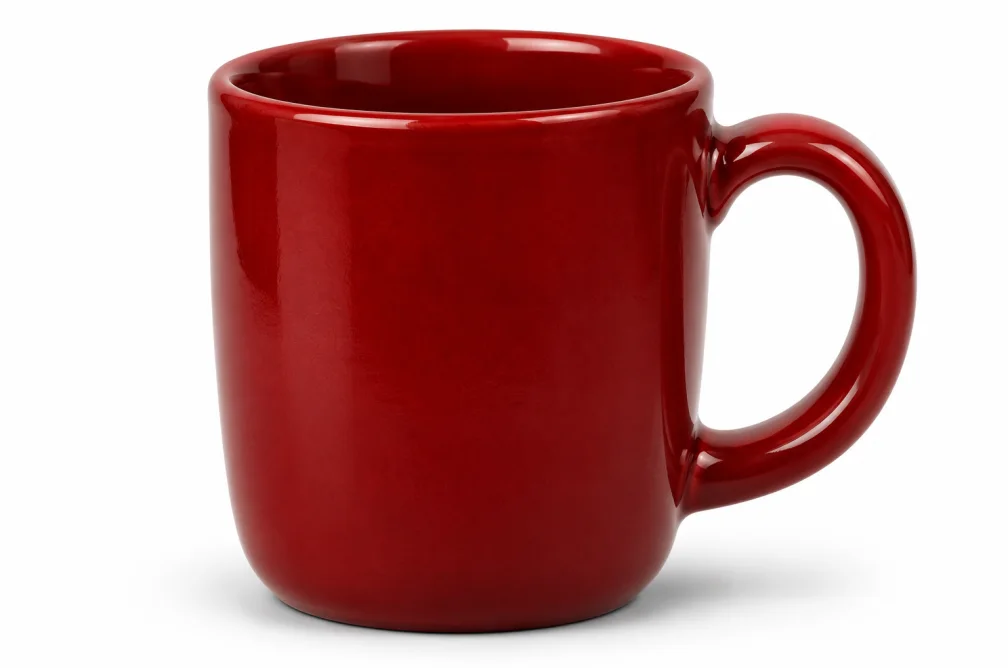 Example
Your result will appear here.
See examplesMake a white background for a product photo
Upload a clean reference shot and describe whether you want a soft contact shadow or an evenly lit backdrop. Check pale edges and packaging details after generation.
When this helps
For an ivory mug, the handle and the surface under it are the two places where a white backdrop can lose definition.
Examples
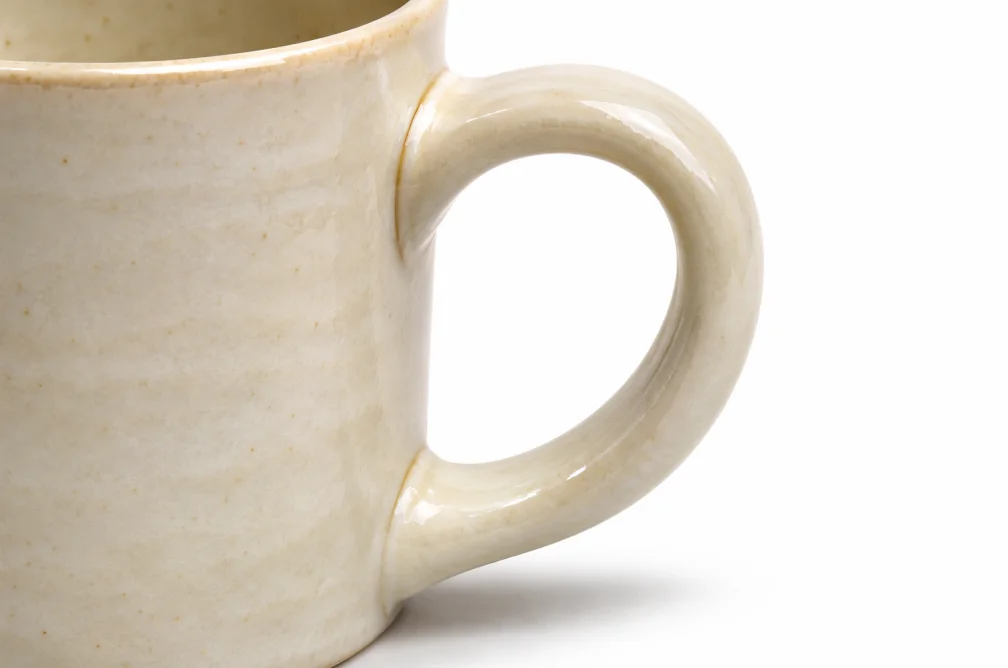
Example
Place an off-white ceramic mug on a white studio background with a soft shadow directly beneath it.
How to use it
- Upload a product photo with the full shape visible.
- Request white and specify any contact shadow.
- Check pale edges, label colors and the required background value.
Settings & limits
- Source photo
- JPG, PNG or WebP, up to 10 MB
- Backdrop
- White, with optional shadows described in the prompt
- Output
- One edited image
Questions about White Background Image Maker
Can I keep a contact shadow?
Ask for a soft shadow directly underneath the object. Compare its direction with the source lighting.
Will the background be exactly pure white?
A generated backdrop can have tonal variation. Measure the finished image in an editor if your listing specifies an exact value.
Which source works for a light-colored product?
Use a source where the edges are visible, then ask for side lighting so the outline remains clear on white.
How can I keep a light-colored product visible on white?
Ask for a soft contact shadow and light from one side. Check the result against the original at the brightest edge. If your marketplace specifies an exact background value, use an image editor to measure that value before upload.