AI Face Generator
Generate a fictional adult portrait by describing facial features, expression, framing and light.
Results
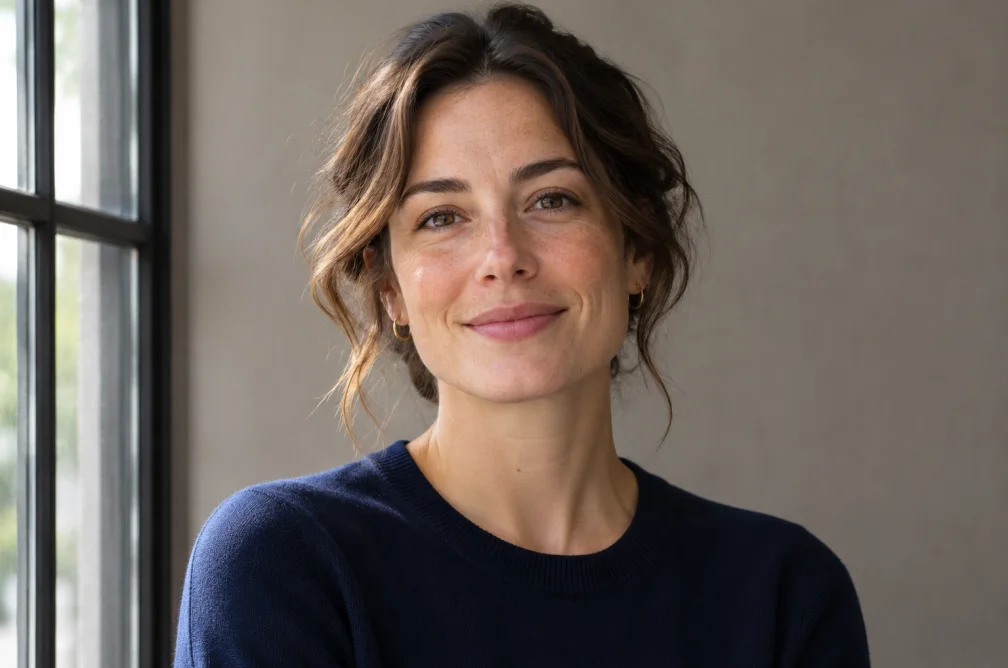 Example
Your result will appear here.
See examplesDirect the expression and framing of a fictional face
Describe an original adult character rather than using a real identity. Choose a headshot crop and specify how the light should fall across the face.
When this helps
For a fictional profile image, prioritize expression and a centered crop that survives a circular avatar mask.
Examples
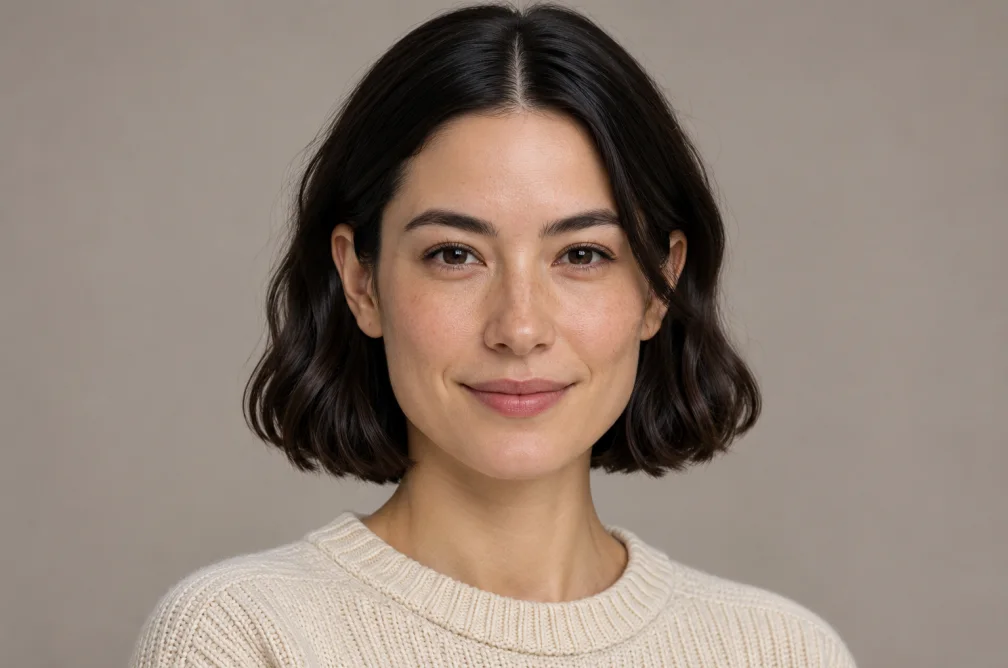
Example
A fictional adult with a thoughtful expression, close-cropped black hair and soft daylight from a window, framed at eye level.
How to use it
- Write a description of a fictional adult face.
- Choose a tight crop, expression and light angle.
- Preview the result at the size and crop your profile uses.
Settings & limits
- Input
- Fictional adult portrait prompt
- Canvas
- 1:1, 9:16 or 16:9
- Resolution
- 1K, 2K or 4K
Questions about AI Face Generator
How should I describe a fictional face?
Specify broad features, expression and age appearance, then add the camera angle and light.
Which crop works as an avatar?
A centered square crop gives room for a circular mask. Keep the face away from the corners.
Can I recreate the same face in another render?
The exact face may change. Keep your chosen image as a reference for subsequent edits.
How do I specify the face for a profile image?
Choose one angle and describe expression, light and framing before adding small details. A centered square composition keeps the face visible when an app crops the image into a circle.