AI Dark Aesthetic Generator
Create dark aesthetic images from a prompt using low-key lighting, deep shadows and a muted palette.
Results
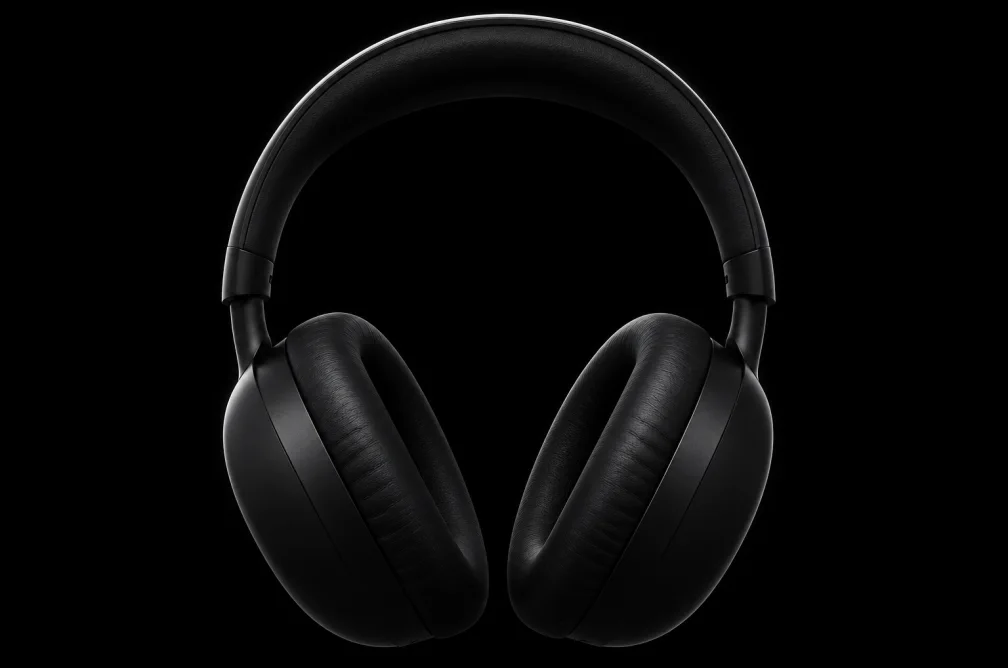 Example
Your result will appear here.
See examplesChoose a focal point for low-key lighting
Describe the subject, the direction of the light and the shadow detail you need. A small highlighted area can make the subject readable in a dark frame.
When this helps
A dark campaign visual needs one area of contrast. Use a highlighted edge or patch of texture to keep the subject readable.
Examples
Example
A worn leather chair lit from the left by a single amber lamp, with a dark green wall fading into shadow.
How to use it
- Pick the visual focus and where light should touch it.
- Write a short palette and lighting brief, then set the output ratio.
- Review the silhouette at thumbnail size and inspect deep shadows at full size.
Settings & limits
- Input
- Subject and lighting prompt
- Canvas
- 1:1, 9:16 or 16:9
- Resolution
- 1K, 2K or 4K
Questions about AI Dark Aesthetic Generator
How do I keep an image dark but readable?
Describe one bright edge or focal area. Leave the surroundings dark while asking for enough texture to identify the subject.
Which colors work for a low-light prompt?
A restrained palette such as amber and dark green makes the key light easier to see. Name the colors that should remain visible.
What do I check in the shadows?
Look for loss of material detail, muddy outlines or a subject that disappears against the backdrop.
How do I keep detail visible in a dark image?
Describe where the key light lands and what stays in shadow. Check a small preview for a readable silhouette, then enlarge it to review highlight edges and dark textures.