Text to Speech
Convert written text into downloadable speech. Choose a voice profile, accent and speaking speed before generating.
Results
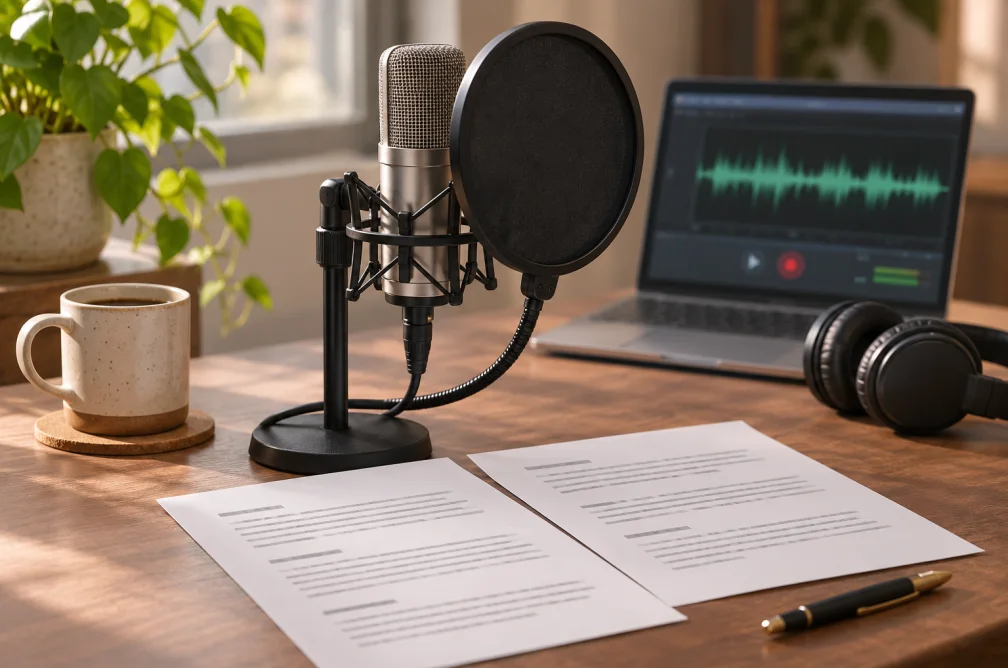 Example
Your result will appear here.
See examplesAdjust the pacing of spoken text
Paste the lines as you want them read. Use punctuation and line breaks to guide pauses, then choose a speaking rate and listen for names or numbers that need clarification.
When this helps
For lesson narration, test numbers and acronyms in one short paragraph before turning the full lesson into audio.
Examples
Example
Read a three-line welcome in a neutral tone. Spell out an abbreviated product name to help pronunciation.
How to use it
- Paste the material you want read aloud.
- Select a voice profile, accent and speaking rate.
- Listen for pronunciation and pacing, then download the track.
Settings & limits
- Script
- Up to 5,000 characters
- Pace
- 0.5× to 2× speaking rate
- Output
- Downloadable speech track
Questions about Text to Speech
How much text can I enter?
One run supports up to 5,000 characters. Use paragraph breaks for longer work.
Which speaking speeds can I use?
The rate control covers 0.5× to 2×. Preview a short section at the chosen pace before applying it to a longer script.
Can I download the speech?
Yes. Play or download the generated track from the result, and find completed jobs in My Creations.
How can I improve the pronunciation of a name?
Run a short excerpt first and write unfamiliar names the way they should sound. Use punctuation to insert brief pauses and adjust the speaking rate after you have checked pronunciation.