AI Product Image Generator
Create a campaign image from a product photo. Guide the setting, lighting and crop while using the upload as a visual reference.
Results
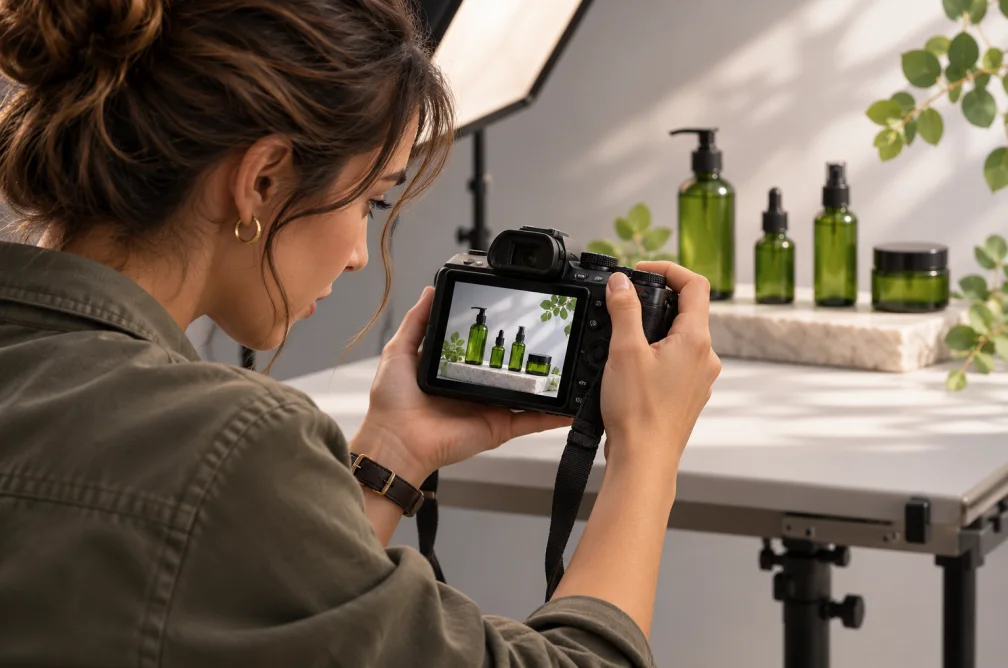 Example
Your result will appear here.
See examplesGive a product photo a new setting
Upload a clear reference showing the label and silhouette, then describe the surface and lighting. Inspect logos, texture and proportions before publishing.
When this helps
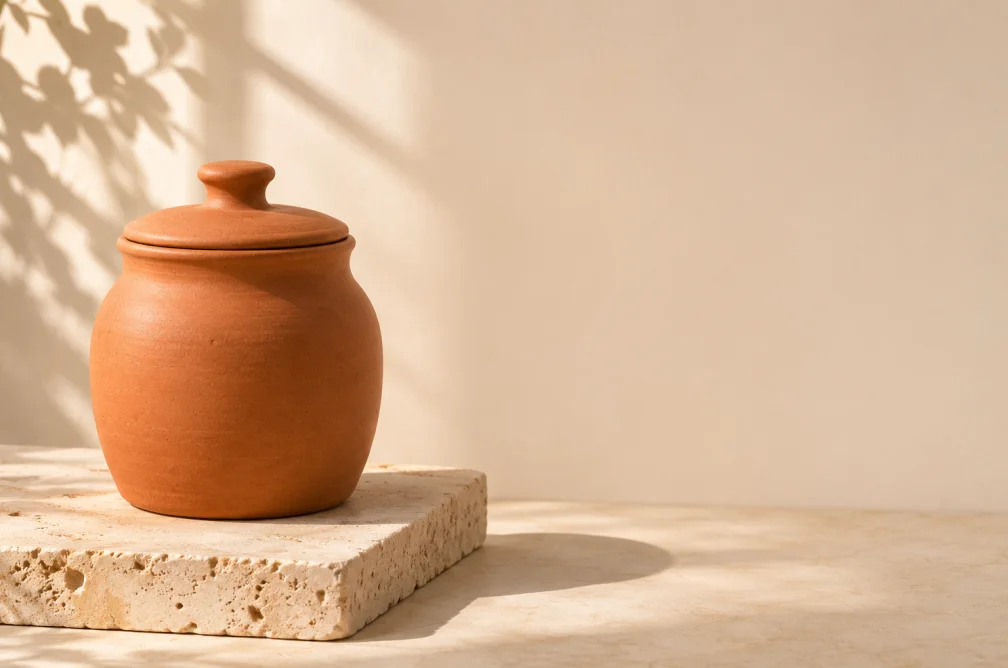
A marketplace image prioritizes a product silhouette and label. A banner uses extra negative space for a headline.
Examples
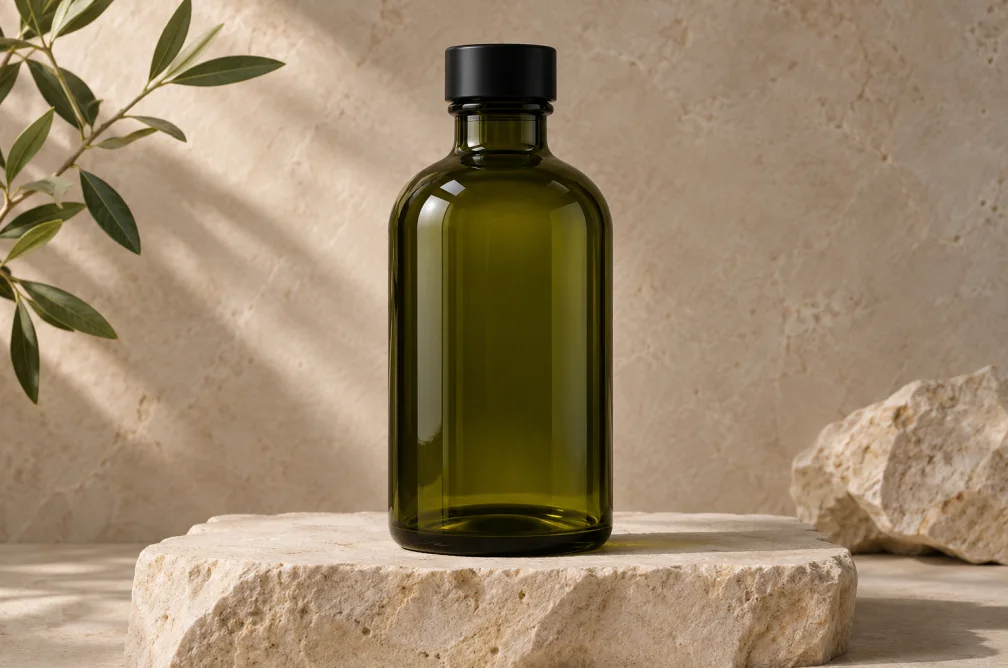
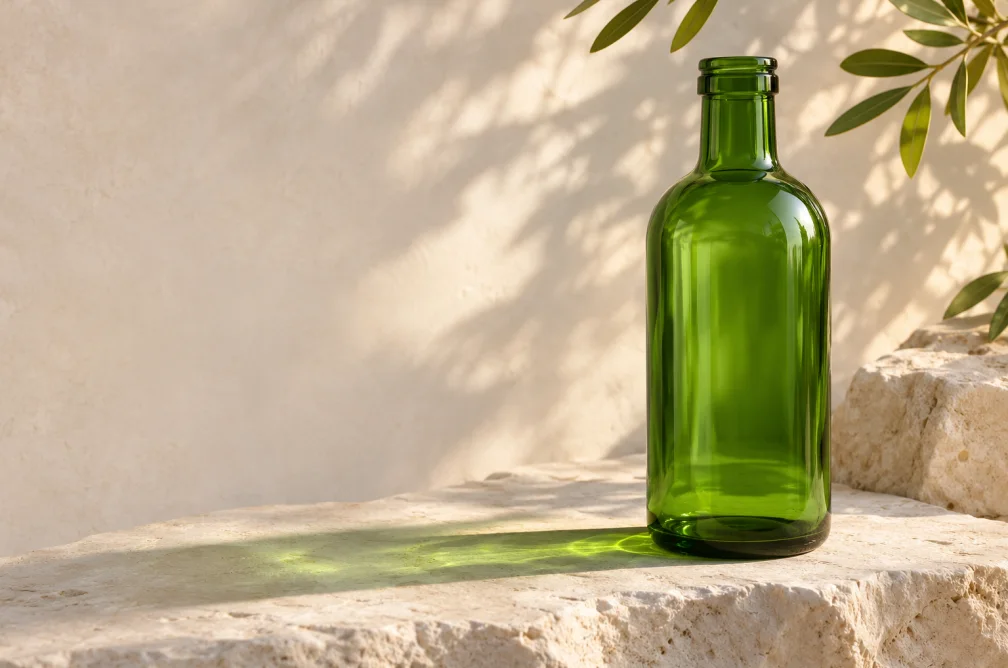
Example
Set the bottle on a pale stone counter, use soft daylight and leave room at the top for typography.
How to use it
- Upload a sharp reference with the packaging facing the camera.
- Describe the background, light and space required by the layout.
- Review outline, logo, text and color against the approved reference.
Settings & limits
- Product reference
- JPG, PNG or WebP, up to 10 MB
- Available settings
- Ratios and resolutions vary by model
- Output
- A campaign or listing image
Questions about AI Product Image Generator
How should I photograph the reference?
Use even light, a clear silhouette and a readable label. Keep the entire item in frame.
Can the output retain original package text?
A reference guides the layout, but text can change. Use your approved artwork as a separate layer if every character must stay exact.
Which layout works well for a banner?
Select a wider ratio when supported and specify which side the product should occupy so there is room for copy.
How do I protect package text and brand colors?
Start from a sharp reference and specify which surface carries the branding. Compare the result side by side with the original. For an exact legal line or logo, place the original artwork over the image in your design editor.