Image to Prompt Generator
Convert a reference image into an editable English prompt describing its subject, composition, lighting and visual style.
Results
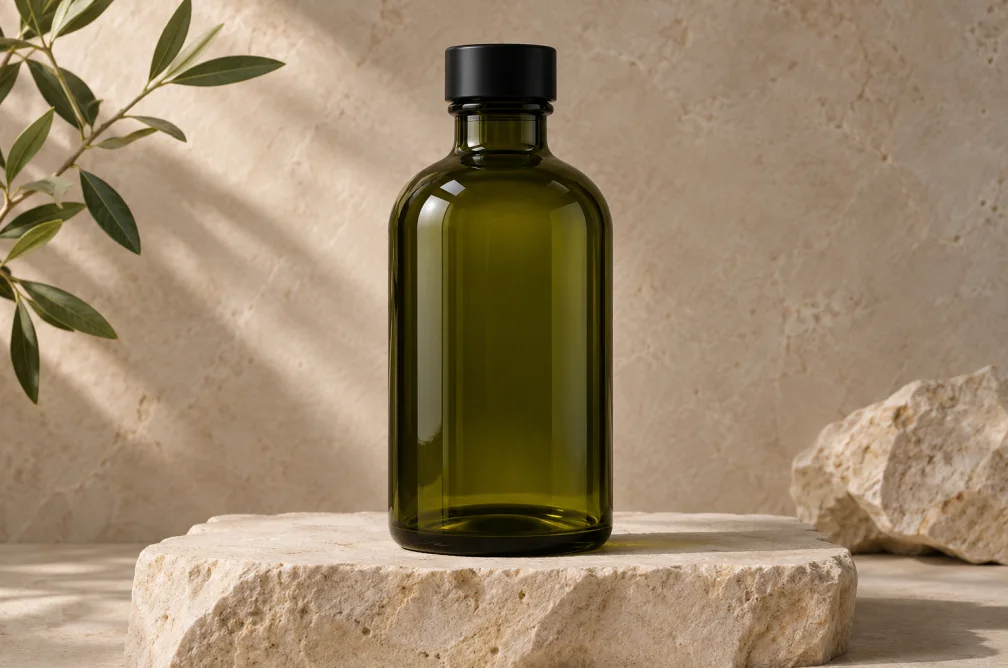 Example
Your result will appear here.
See examplesUse a reference image to build a new prompt
Upload a JPG, PNG or WebP. Copy the description into an image generator, then edit details such as the focal length or lighting to direct your own image.
When this helps
For a reference product image, keep the camera position and shadows in the description while replacing the product when you reuse the prompt.
Examples
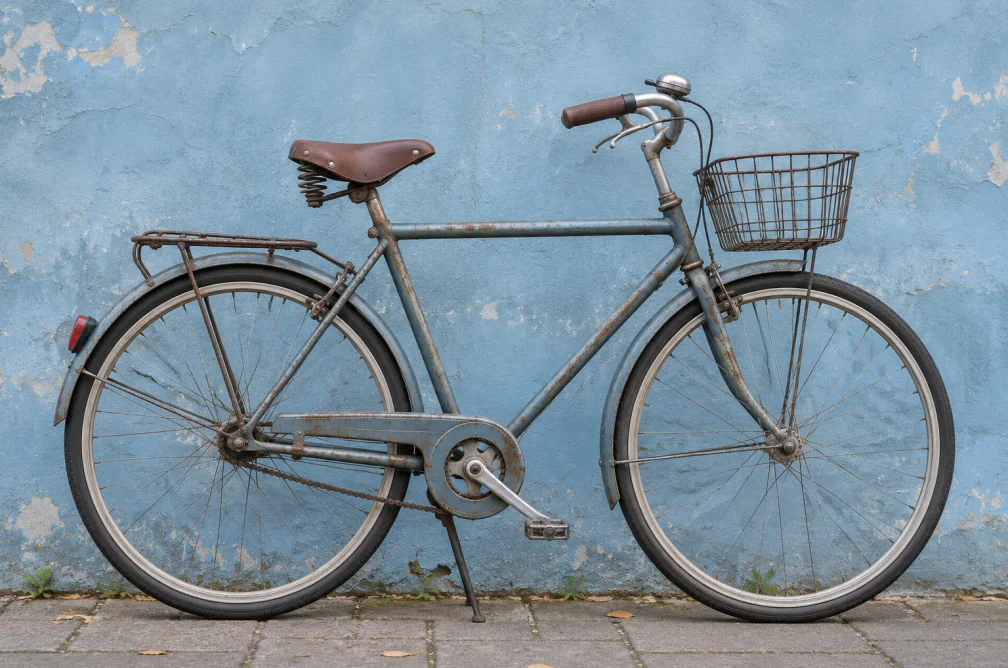
Example
For a studio product image, ask the tool to focus on shadow shape, lens angle and the surface beneath the object.
How to use it
- Upload a JPG, PNG or WebP reference.
- Ask about the visible style, viewpoint or light if you need more detail.
- Copy the English prompt and edit the parts that should change.
Settings & limits
- Reference
- JPG, PNG or WebP, up to 10 MB
- Optional instructions
- Focus on lighting, framing or another visible detail
- Output
- Editable English prompt
Questions about Image to Prompt Generator
Can it recover the exact original image prompt?
It writes a new description from the visible image. The original wording and model settings are not stored in that description.
What kinds of visual details can it cover?
It can describe subject, composition, lighting, camera viewpoint and apparent style.
Can I focus on the lighting?
Yes. Ask for the direction of the key light, shadow softness and reflections before copying the prompt.
How should I reuse the description for a different product?
Keep the angle, lighting and framing instructions. Swap the product and material descriptions and remove brand details specific to the reference.