British Accent Generator
Generate spoken audio from a script with a British accent. Choose a voice profile and adjust the speaking pace.
Results
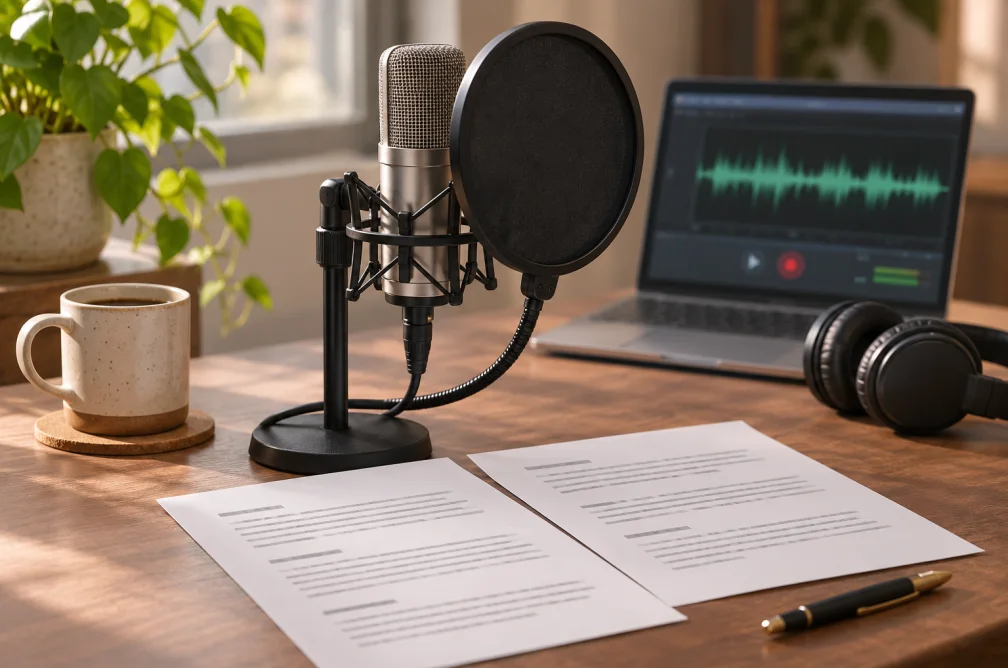 Example
Your result will appear here.
See examplesPrepare a script for a British English read
Type the dialogue as it should sound, including any dates or abbreviations. Choose the voice profile, then preview a short section before using longer copy.
When this helps
For a UK event announcement, write the date and venue in spoken form before checking the pace of the recording.
Examples
Example
“The programme starts at half past seven. Please queue outside the theatre.”
How to use it
- Paste the announcement in full sentences.
- Choose the voice and speaking rate for British English.
- Listen to the date, time and venue before exporting.
Settings & limits
- Accent
- British English
- Pace
- 0.5× to 2× speaking rate
- Output
- Downloadable speech track
Questions about British Accent Generator
Can I change the voice and pace?
Yes. Select an available voice profile and choose the speaking rate. The accent is fixed to British English on this page.
How should I enter a UK date?
Spell it out in the intended spoken form, such as “the fifth of June,” to avoid ambiguity.
What if a local venue sounds unclear?
Try spelling it phonetically in a short excerpt, then keep the clearer version in the full script.
How should I write dates and times for British narration?
Write them out the way you want them delivered. “The fifth of June” avoids an ambiguous date format. Preview a short take if the script also contains abbreviations or venue names.