AI Sound Effect Generator
Generate a sound effect or ambience from a text description. Choose a length up to 30 seconds and switch on looping when needed.
Results
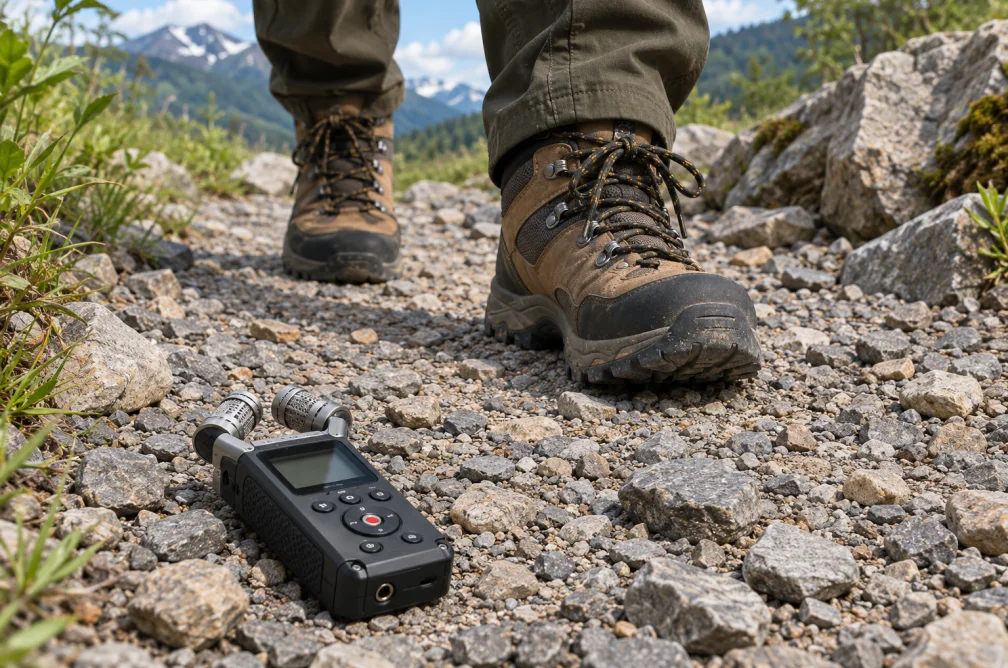 Example
Your result will appear here.
See examplesDescribe the action and the space around it
Name the sound source and the acoustic setting. Choose a short duration for a single cue or use Loop for continuous ambience.
When this helps
For footsteps, specify the ground, distance and pace. For background ambience, avoid a prominent event right at the loop boundary.
Examples
Example
Three footsteps on loose gravel in an open courtyard, close and dry, lasting five seconds.
How to use it
- Describe the sound source and recording perspective.
- Choose between one and 30 seconds and enable Loop if needed.
- Listen from the last second into the first to check the seam.
Settings & limits
- Length
- 1 to 30 seconds
- Looping
- Optional
- Output
- Downloadable audio effect
Questions about AI Sound Effect Generator
How long can the sound effect be?
Set a length between one and 30 seconds in the workspace.
How should I describe perspective?
Say how close the sound is and what surrounds it, such as close footsteps on dry gravel with no room echo.
Can I use a looping effect?
Enable Loop and listen through the join before setting it under dialogue or a long shot.
How do I check a sound effect intended to loop?
Play the ending directly into the beginning. A click, change in volume or repeating impact makes the join audible. For ambience, describe a steady texture with no foreground events near the transition.