Change the backdrop of an approved product
Keep the bottle shape, camera angle and label in the prompt. Describe a new counter surface and how the light should fall.
Transform an uploaded reference image with a prompt. Direct a new backdrop, visual style or composition and review the resulting image.
Upload a source and name the parts to preserve. Then describe the specific change you want. The generated image can redraw fine detail, so compare the result with the original.
Keep the bottle shape, camera angle and label in the prompt. Describe a new counter surface and how the light should fall.
Reuse the scene composition and specify a palette and medium. Check whether the revised result still reads at its intended crop.
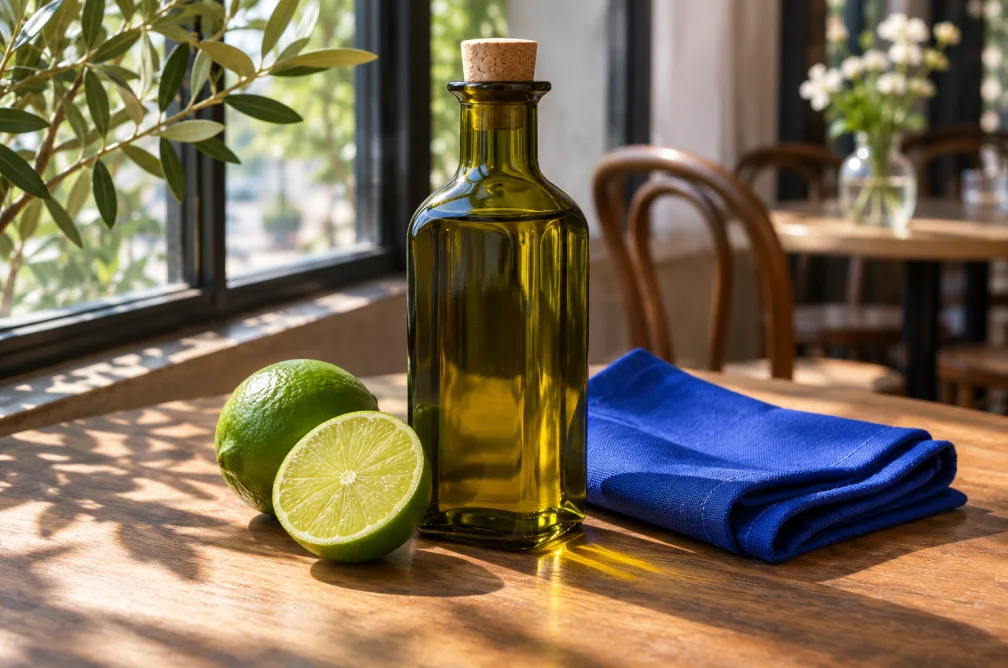
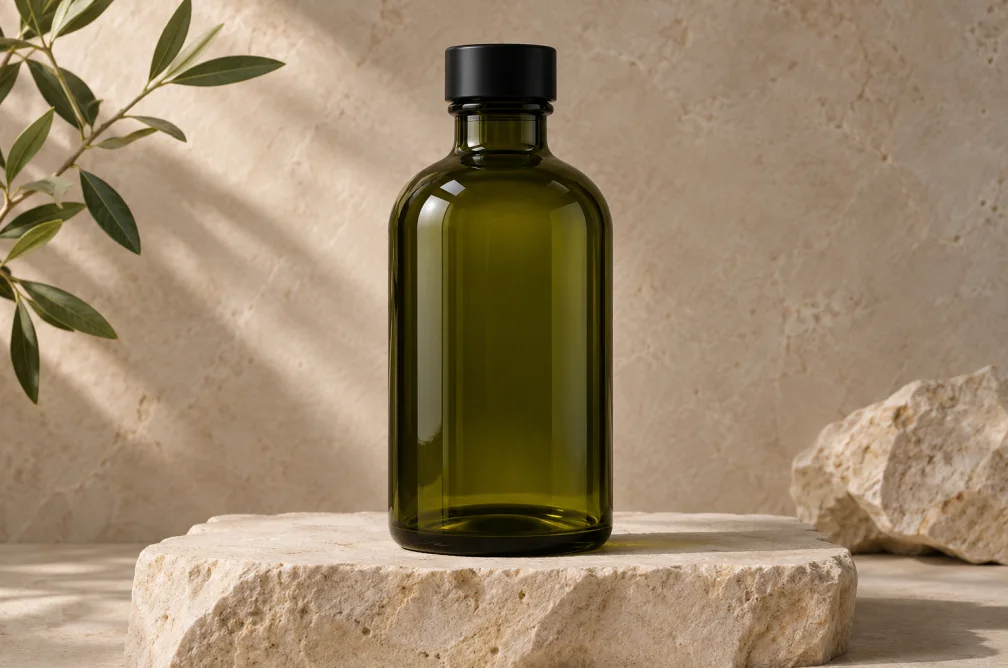
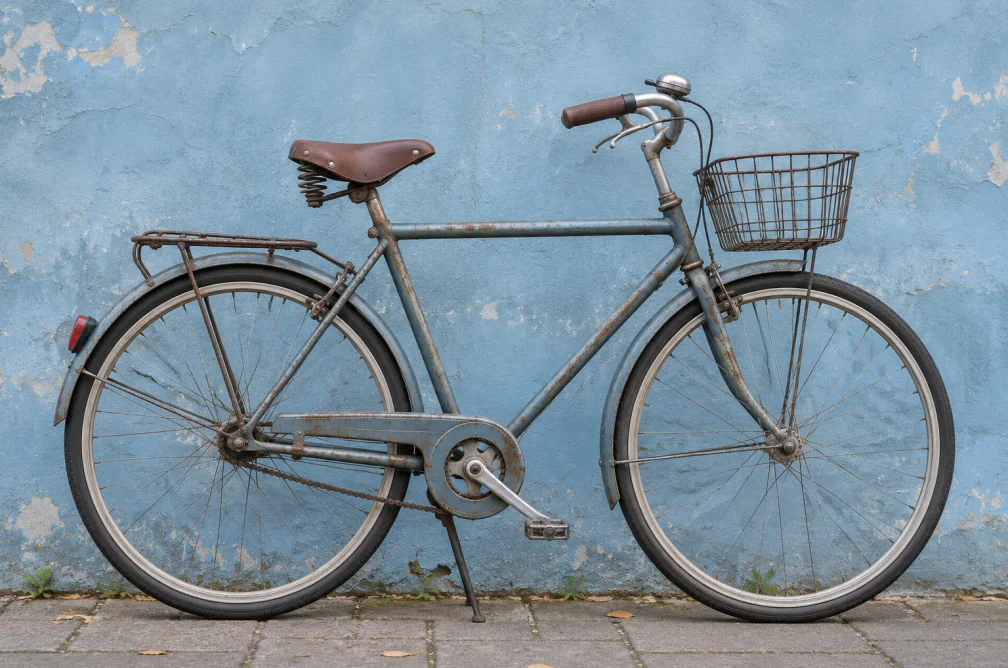
Keep the product and camera angle. Change the warm interior to a blue studio backdrop with soft side light.
| Job | Keep | Change |
|---|---|---|
| Restage a product | Bottle shape, camera angle and placement | Replace the studio with a café table and soft window light. |
| Change the illustration style | Subject, pose and framing | Use flat shapes, muted blue shadows and a cream background. |
Name details that matter to the next use, such as product geometry, label placement, expression or camera angle. Specify them before describing the edit.
Narrow the prompt to the background and use a brighter reference with a clear outline. Compare the resulting color, text and silhouette with your approved source.
Use AI Image Expander when the composition should continue past the existing borders for a wider or taller canvas. Use Image to Image to reinterpret content within the scene.
A single change is easier to review, especially for product work. If both lighting and style need to change, do an initial pass and compare it before stacking revisions.
The model uses your source as a visual reference and can redraw other areas. For a product job, compare color, outline, text and camera angle against the original before you use the new version.